automatically configure the network connection.
NOTE: If your ScreenPlay TV Link DX is not yet connected to a network, you can skip the
network configuration during first time startup. Use Settings > Network > Network setup
to configure a network connection later on. See Network Setup for detailed instructions.
NOTE: If your network is secure, the virtual keyboard will appear so you can enter your
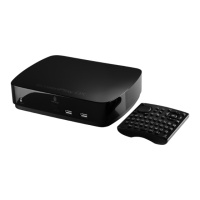
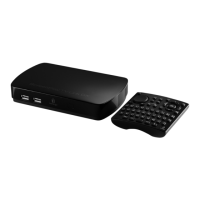
password. You can enter text using the virtual keyboard interface or the QWERTY keyboard
on the remote control. When you are finished, press Enter.
9. When the setup wizard is finished, press Enter to automatically return to the ScreenPlay TV
Link DX home screen.
| top of page |









 To Next Page