z Using the Remote Control
z Navigating Menus
z Options Menus
Using the Remote Control
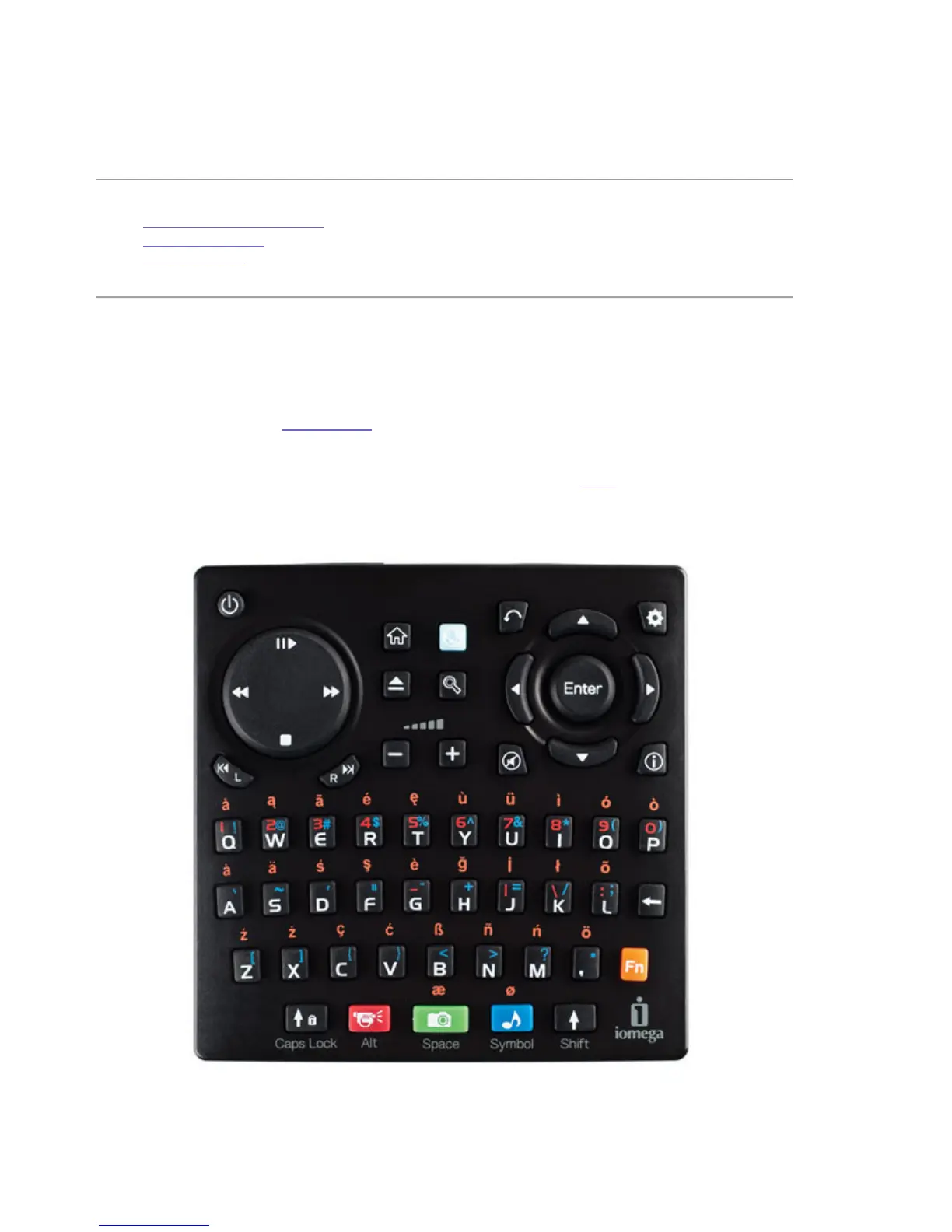
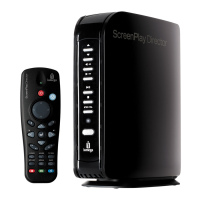
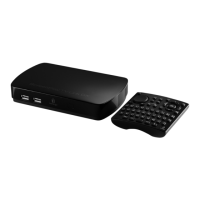
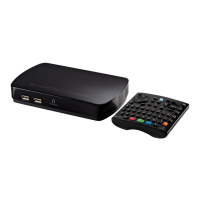
Use the ScreenPlay TV Link DX remote control to browse the internet, navigate TV menus, and
play media content. In addition to player and navigation controls, the remote control includes a
keyboard for use with the web browser. Refer to the sections below for information on the button
functions and details on using the keyboard.
NOTE: Always point the remote control towards the receiver on the front of the ScreenPlayDX.
The ScreenPlay TV Link DX will not accept commands from the remote control when is it
connected to USB on a computer.
Navigation and Player Buttons
Power — Press to turn power to the ScreenPlay TV Link DX on or









 To Next Page