1
NOTE: The Search button on the remote control does not work when using Online Media options
such as YouTube or the web browser.
Using the Keyboard
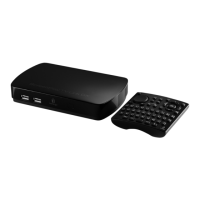
The keyboard on the ScreenPlay TV Link DX remote control allows you to enter text in the web
browser, as well as when entering network login information or using the search feature.
To access the web browser, select Online Media from the ScreenPlay TV Link DX Home screen,
then select the Browser option. Press the Option button on the remote control to display the URL
bar in the web browser.
To enter a URL, highlight the URL bar and press Enter to insert the cursor, then type the web
address using the QWERTY keyboard. To submit the URL, press the right arrow button to highlight
the Go to button and press Enter.
By default, the keyboard buttons enter lowercase letters. To enter a single capital letter, press
and release the Shift key, then press the desired letter. To enter multiple capital letters, press
and release the Caps Lock key then press the desired letters. Press the key again to release the
Caps Lock.
To enter extended characters, press and release the Alt, Symbol, or Fn (Function) keys, then
press a letter key to select the color-matched extended character on or above the key.
NOTE: The Alt, Symbol, and Space keys are also shortcuts to the ScreenPlay TV Link DX media
menus. The shortcuts are disabled when using keyboard input in the web browser.
| top of page |
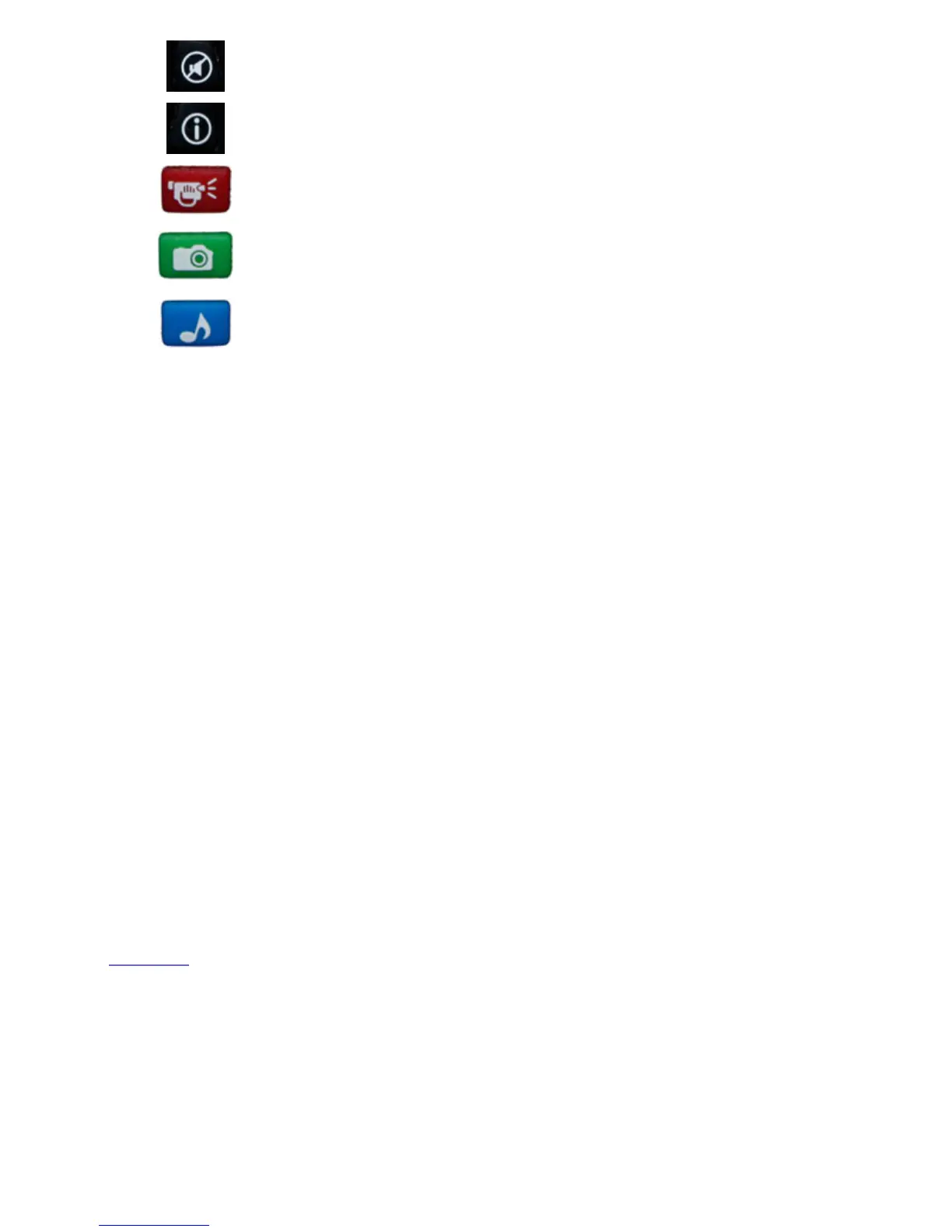
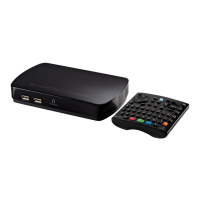
Mute — Mute volume during playback.
Info — Press to display file properties, information, and play
status.
Movies — Press to display the ScreenPlay TV Link DX movies menu.
Alt key when using the QWERTY keyboard in the web browser.
Movie shortcut does not work in browser mode.
Photos — Press to display the ScreenPlay TV Link DX Photos menu.
Spacebar when using the QWERTY keyboard in the web browser.
Photo shortcut does not work in browser mode.
Music — Press to display the ScreenPlay TV Link DX Music menu.
Symbol key when using the QWERTY keyboard in the web browser.
Music shortcut does not work in browser mode.









 To Next Page