| top of page |
Browser Options
The following options appear under the URL bar when you press the Option button in the web
browser. Press the down arrow button to move the highlight to the options, then use the
right/left arrow buttons to highlight the option you want to use and press Enter to select it. Press
the Option button again to close the URL bar and browser options.
| top of page |
selected.
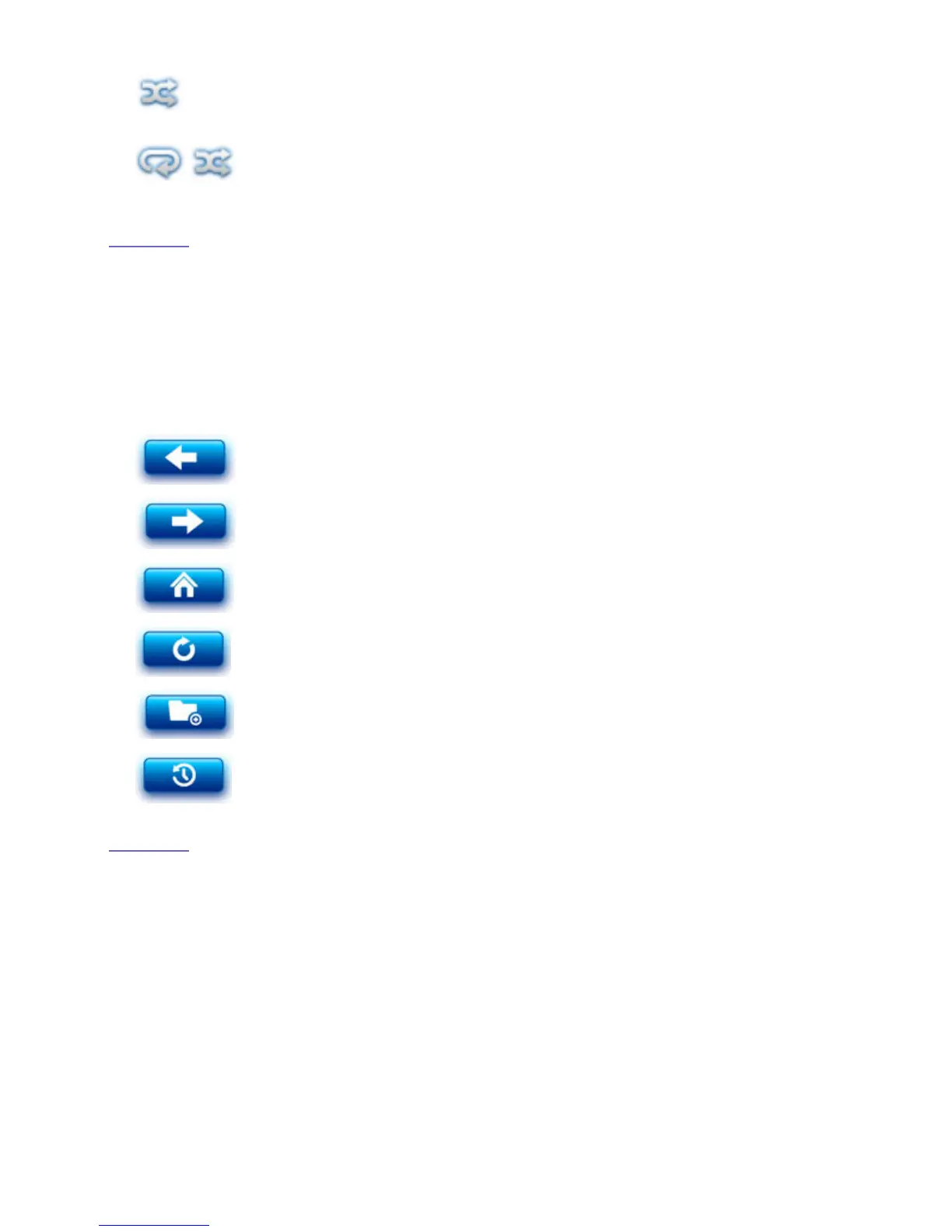
Shuffle — Play all music tracks from the currently selected album
or folder in random order. Stop play after all tracks have played
once.
Continuous repeat~shuffle — Replay all music tracks from the
currently selected album or folder in random order. Continue
replay until another option is selected.
Back — Go back through the browser history. Return to the
previous web page.
Forward — Go forward through the browser history.
Home — Display the web browser "Favorites" screen.
Refresh — Reload the current web page.
Bookmarks — Access the bookmarks list to load a bookmarked
web page. Add, Edit, or Delete bookmarks.
History — Display the browser history; select a link from the
history to load a web page. Clear the browser history.










 To Next Page