TIGER Instrument User Manual V3.10
Unrivalled Gas Detection. Page 28 of 72 ionscience.com
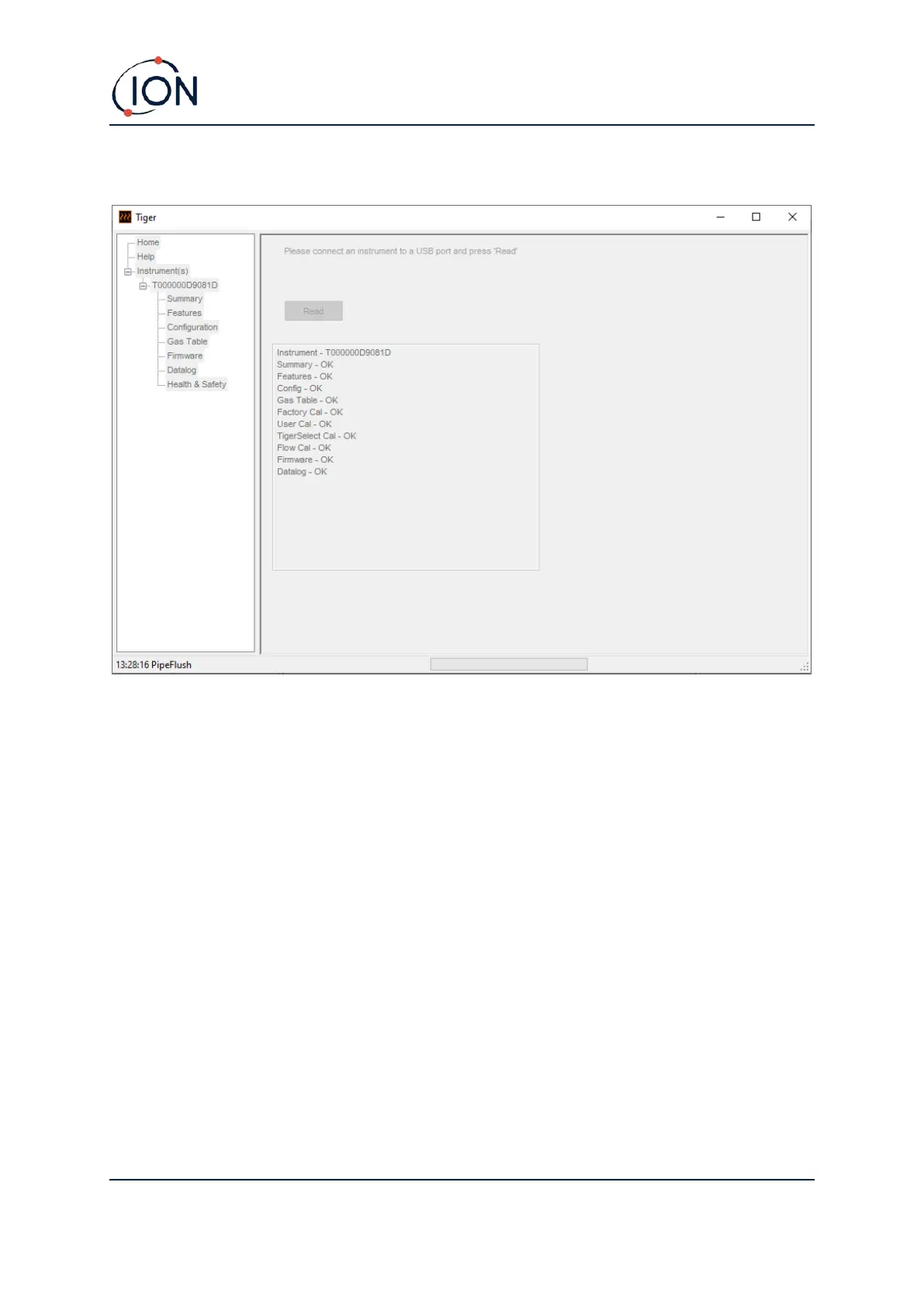
The current setup of the instrument and logged data is then downloaded:
To remove an instrument from the list, click Delete. All details of the instrument are then removed
from the software. If that instrument is connected again, it will be treated as a new (previously
unlisted) instrument by TigerPC.
If not already listed, the instrument IRN will be added to the list of instruments.


 To Next Page