GDC-800H IP DECT Handset User Guide - Issue 2.0 5
Status Icons
As shown in the figure above the Status icons are shown in the top area of the display. Icons
include:
RSSI (Received Signal Strength Indicator) – indicates the level of the received RF signal.
Off-hook – indicates the handset is in the talk mode
Alarm – visual indication that the alarm clock has been set
Key Lock – indicates the handset keys are locked
Mute – indicates that the mute functions is active
Ringer Off – indicates the ringer is not active
Battery status – indicates the battery charge level or the battery is charging
Soft Key Designations
At the bottom of the display are the soft key function designations. The function of the soft keys
will vary based on the state of the handset. While idle, icons are used for the local Phone book,
Central directory and Call logs. The handset has a left and right soft key and the Select/Ok key
in the center of the navigation keys is employed as the center soft key.
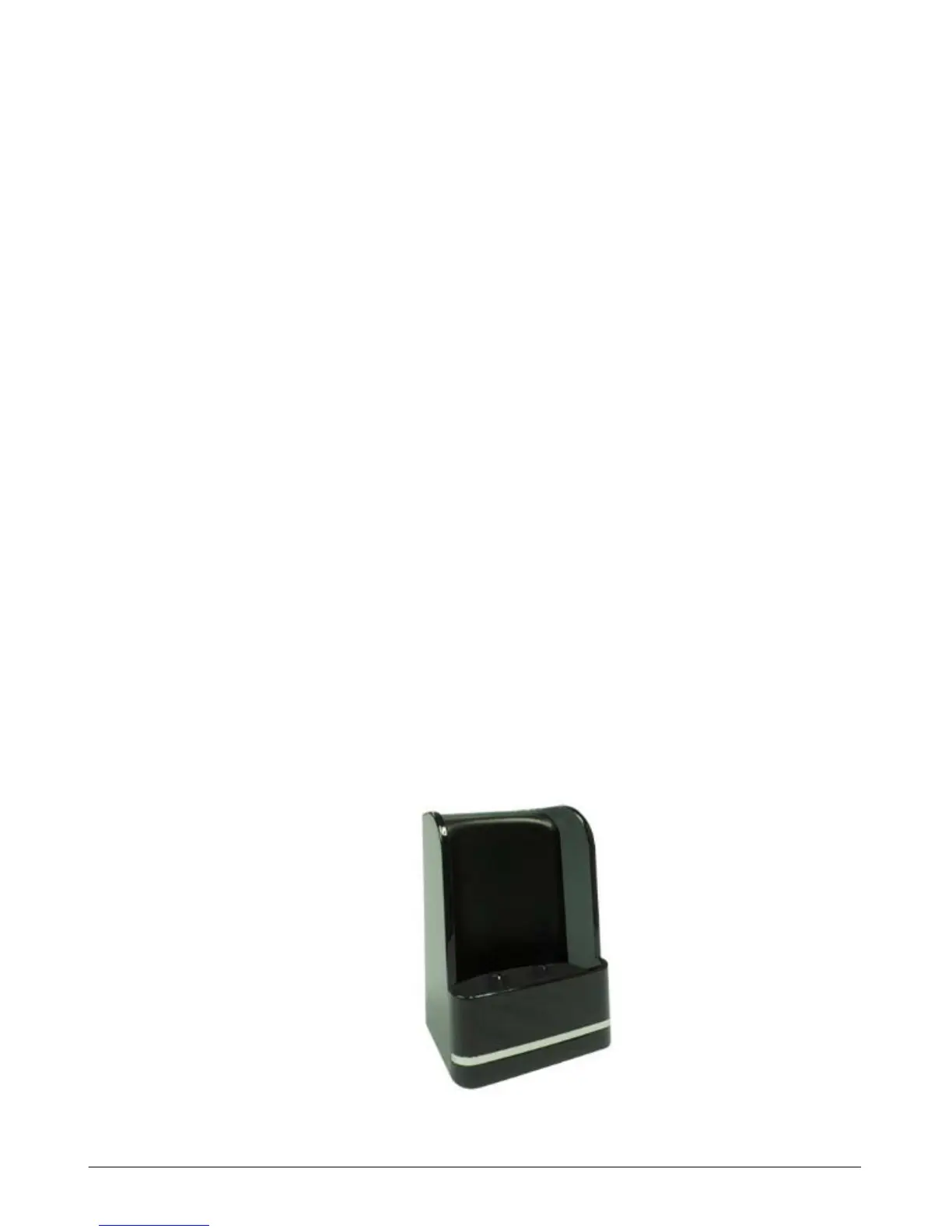
Charger Description
The charger has three contacts that connect to the handset when it is placed in the charger. On
the rear of the charger is the connector for the AC/DC adapter that powers the charger. The
LED in the front of the charger indicates when the handset is properly seated in the charger,
turning on when the handset is placed in the charger.



 To Next Page