14 GDC-800H IP DECT Handset User Guide - Issue 2.0
A headset can be connected to the headset jack (2.5 mm jack) on the side of the handset.
When you place or receive a call with the headset connected, audio is routed to the headset
instead of the handset earpiece. The call is terminated in the normal manner using the On-hook
key or the handsfree mode can be activated using the Speaker key.
Volume Adjustment
You can adjust the volume of audio from the active device (earpiece, speaker, or headset). The
volume Up and volume Down keys are located on the side of the handset. Pressing the volume
key adjusts the volume of the active audio receiving device and the LCD will show a graphical
representation of the audio level.
DND (Do-Not-Disturb)
While in DND, the handset will not respond to an incoming call and the call is rerouted based on
the iPECS host configuration, typically the call will route to voice mail. DND is activated through
the handset setting menu. To activate or deactivate DND,
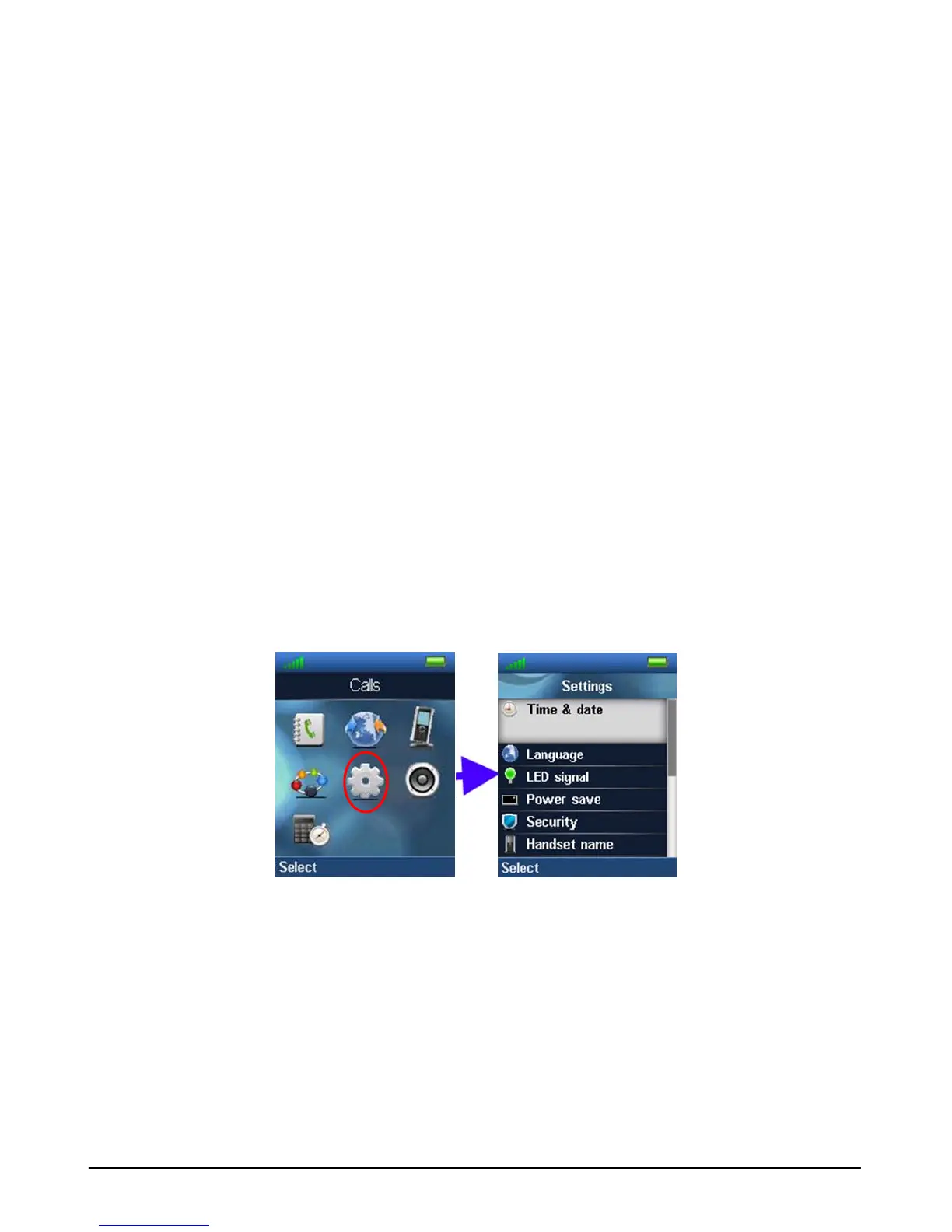
1. Press the Menu key then select the Settings menu.
2. Use the navigation button to scroll to and select DND.
3. Select the DND status desired, enabled or disabled.



 To Next Page