18 GDC-800H IP DECT Handset User Guide - Issue 2.0
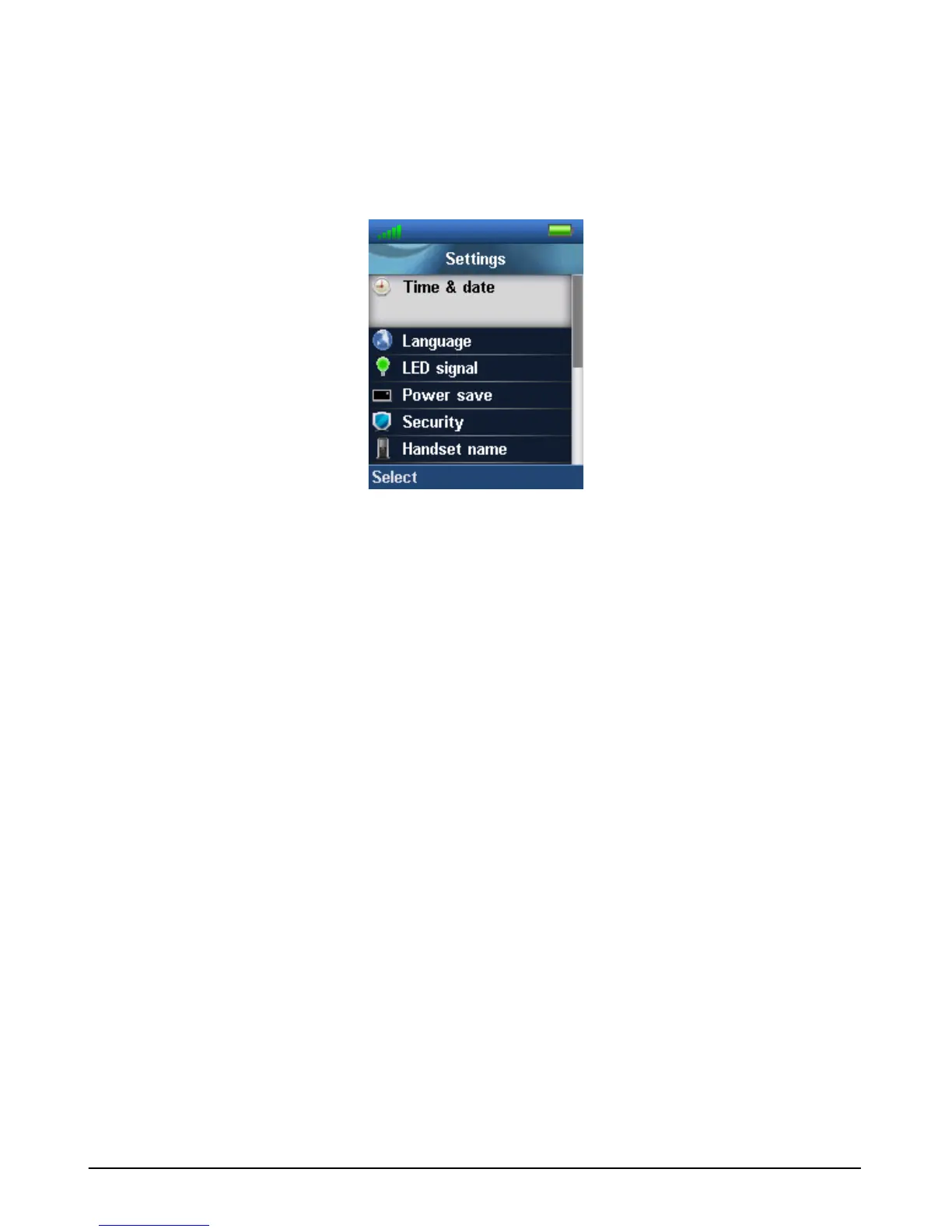
Settings
You can control various handset characteristics through the Settings menu including Time &
date, language, handset name, etc.
Time & date
The GDC-800H can display the time in a 12 or 24-hour format. You can select the date display
format from one of several pre-defined formats including dd-mm-yyyy, mm-dd-yy, etc.
Language
GDC-800H supports a number of languages. Using the Language menu, you can select the
language used for handset displays. When you select the Language menu, a list of languages
available displays with current language highlighted.
LED Signal
The LED at the top of the handset is used to notify you of several events including a new voice
message, a missed call and a low battery alert. You can configure the LED color to use for each
of the events (green yellow, or red) or disable the LED (Off).
Power Save
When you press a key on the handset, the LCD backlight will turn on to improve the LCD
readability. After a defined period of no action, the LCD backlight will turn off to save power. In
this menu, you can set the period from 5 to 60 seconds.
Security
The keys of the handset can be locked so that key presses are ignored until the handset is



 To Next Page