10 GDC-800H IP DECT Handset User Guide - Issue 2.0
NOTE
If you begin dialing and then take no action for about 5 seconds, the handset will return to the
idle state. You will need to dial the number again to place the call. This also applies to transfer
and conference calls.
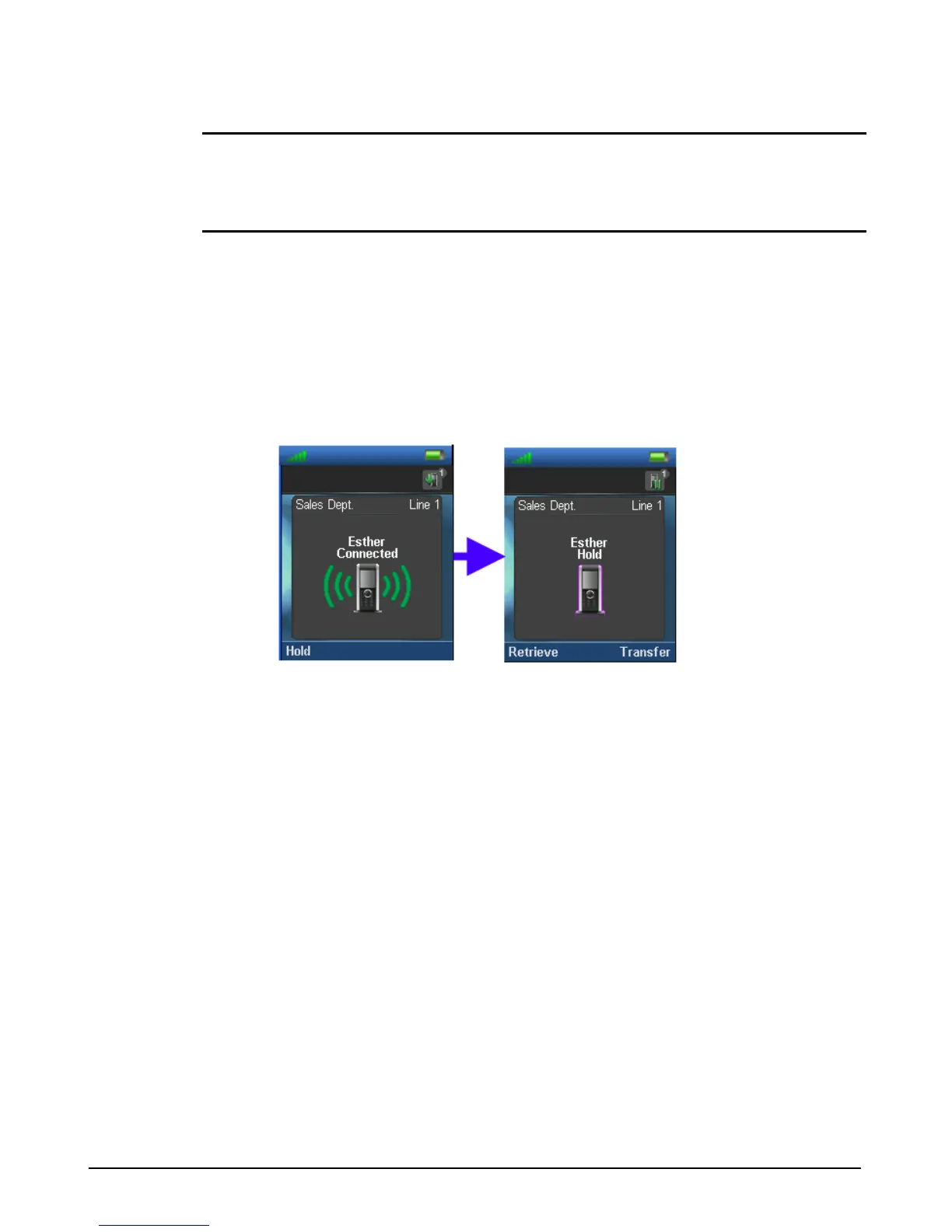
Hold
Pressing the Hold soft key places the call on hold. The call can be retrieved or a second call
can be established. From the second call, conference, swap or transfer is possible.
1. Press the “Hold” soft key while on a call,
2. Press the “Retrieve” soft key to re-connect the call.
Transfer Call
You can send an active call to another party. You can announce the transfer (attended transfer)
or transfer the call without announcing it (blind transfer).
Blind Transfer
1. While on an active call, press the “Hold” soft key.
2. Dial the number to receive the transfer.
3. Press the “Transfer” soft key.



 To Next Page