16 GDC-800H IP DECT Handset User Guide - Issue 2.0
Local Phone Book
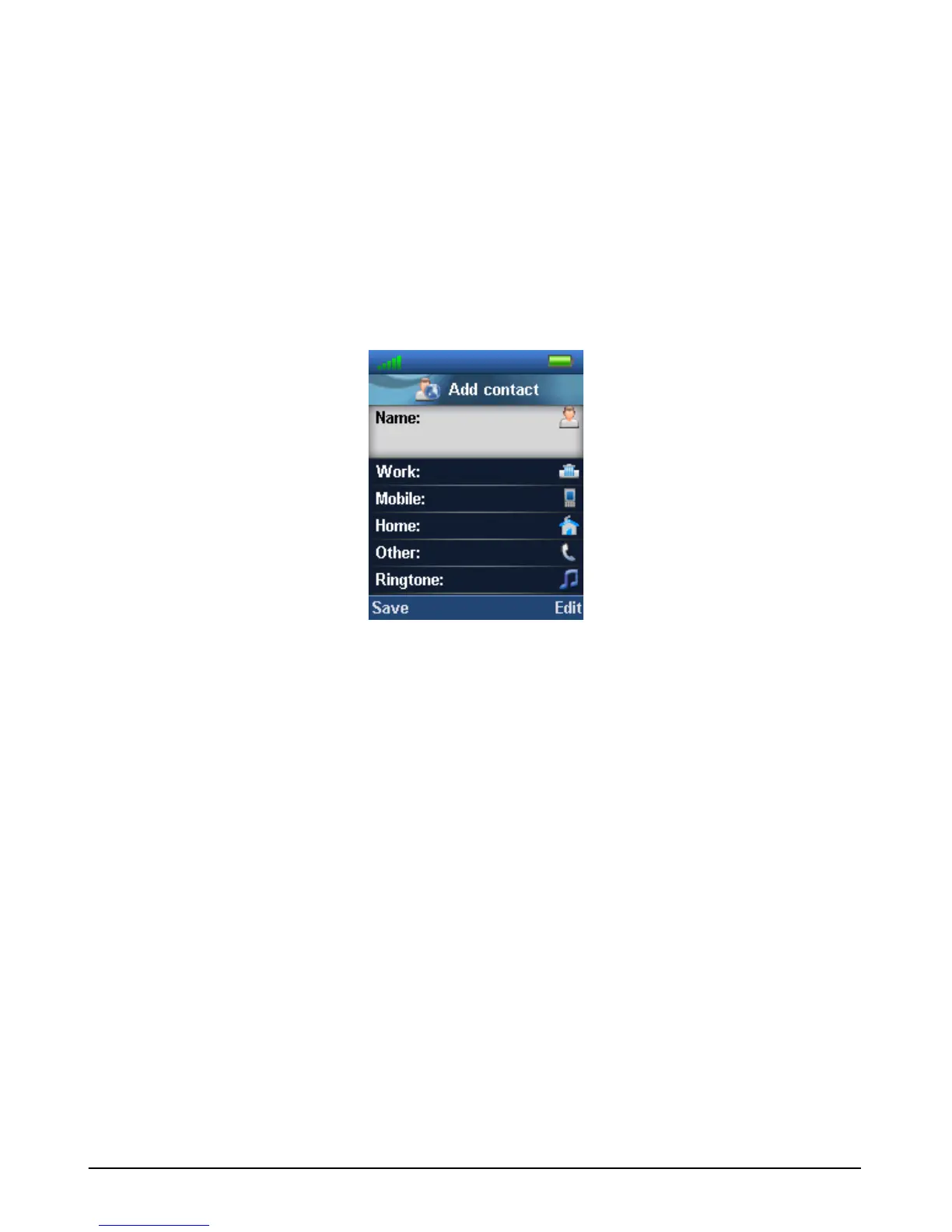
Up to 100 contacts can be defined in the Local Phone Book allowing you to call a contact from
the contact list. Up to four 24-digit phone numbers can be assigned for each contact. In addition,
a ringtone can be selected for a contact so that a call from the contact alerts you with the
selected tone allowing you to identify the caller from the ring tone.
Up to eight of your contacts can be assigned a dial pad digit (2 to 9) for One-touch dialing.
Press and hold the dial pad digit and the handset places a call to the first number of the
assigned contact. Note the digit ‘1’ is assigned for One-touch calling to your iPECS host voice
mail.
You assign a contact by accessing the Local Phone Book and entering the contact information
in the Add contact screen. Use the “More” soft key to assign a One-touch digit for the contact.
Once you save the contact use the On-hook/Back key to return the handset to idle.
One-touch Speed Dial
To use One-touch dialing,
1. Press and hold the digit assigned for the contact.
Central Directory
The Central Directory is a database of up to 3000 contacts assigned in the base station. You
may access the active base station’s directory to call contacts listed in the directory. This
directory is configured by the iPECS IP DECT system administrator only.



 To Next Page