22 GDC-800H IP DECT Handset User Guide - Issue 2.0
NOTE
When the phone is locked, no sound is generated when a key is pressed.
Confirmation sound
When you set an entry in the menu, the handset can provide a tone confirming the event. Two
tones are used; positive (success) tone and negative (fail) tone. To receive the confirmation
tone, “Confirmation sound” must be enabled.
Coverage warning
While you are on a call and moving through a coverage area, a tone is provided to indicate you
are moving out of range of the base station(s) in the zone. The tone is sent to the earpiece. You
can enable or disable the “Coverage Warning tone.
Charger warning
If you enable the “Charger warning”, the handset emits a brief tone to indicate the handset has
been properly placed in the charger. Note the charger LED always lights when the handset is
placed in the charger.
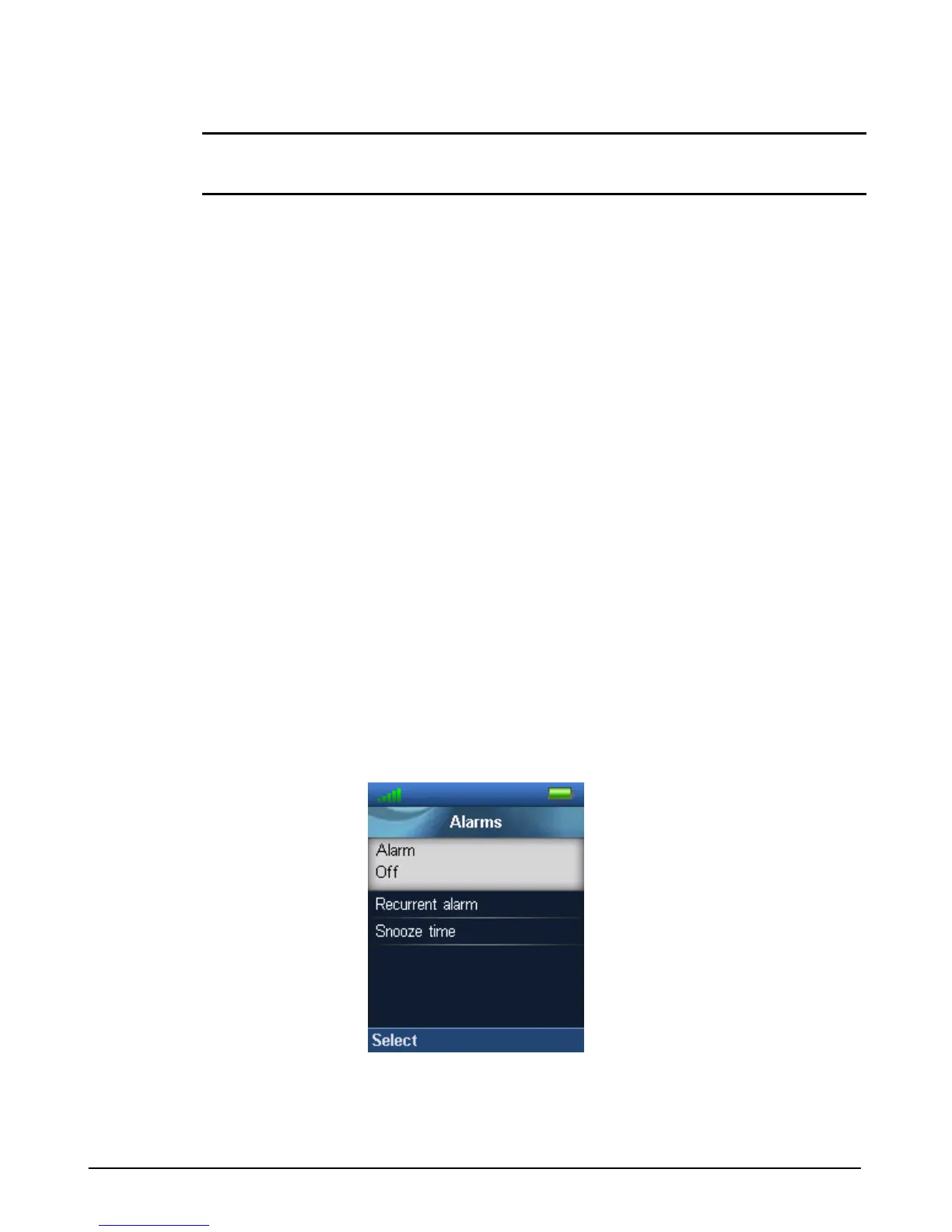
Alarms
The GDC-800H handset incorporates an alarm clock that is configured under the “Alarms”
menu.



 To Next Page