GDC-800H IP DECT Handset User Guide - Issue 2.0 9
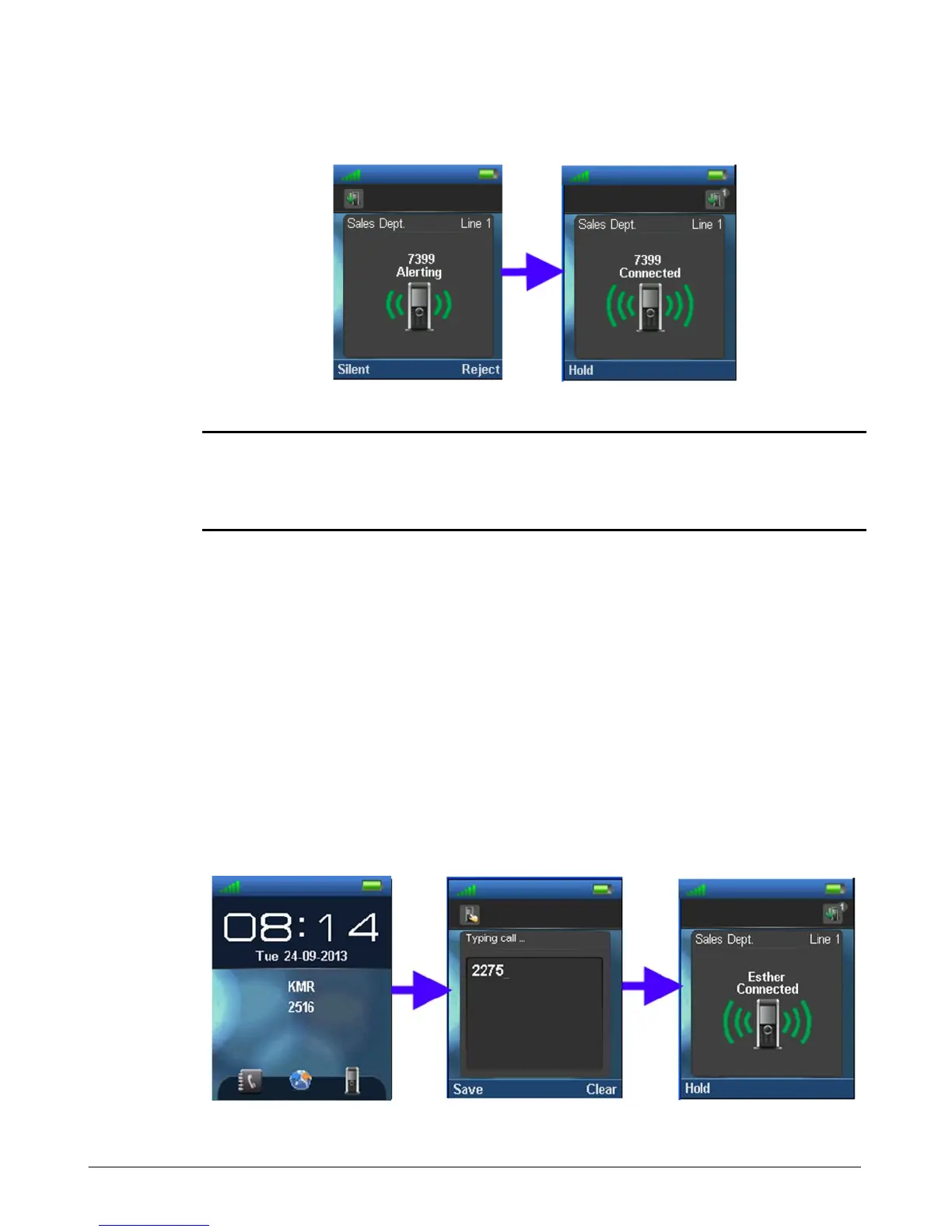
To silence the ringer, press the “Silent” soft key.
NOTE
Depending on the Auto Answer setting, you may be able to answer a call by pressing any dial
pad button as well as the Off-hook key. Also, the phone may connect the call automatically after
a short delay. Refer to the Handset Setting section for further details.
Ending a Call
You terminate an active call using the On-hook key (red handset). If a call is on hold,
terminating the active call will connect you to the holding call automatically.
Outgoing Call
You place outgoing calls from your DECT handset by dialing the number or selecting a number
from the Phone book, the Central Directory or the Call Logs.
1. Dial or select a number from the phone books or log.
2. Press the Off-hook key (green handset).



 To Next Page