iPECS-MG Quick Start Guide
31
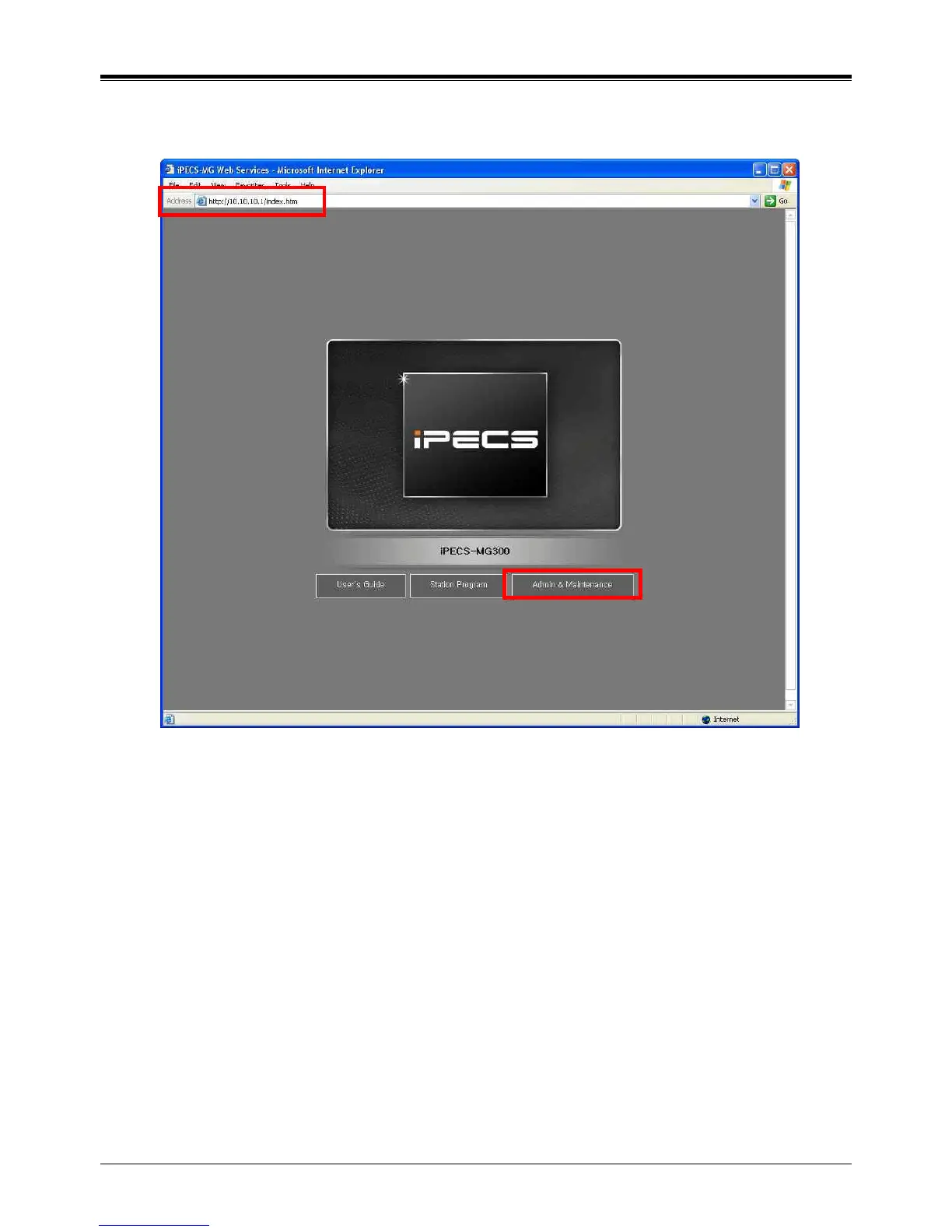
5.2.1.1 How to enter the Web Admin Programming
1) In the browser ‘ADDRESS’ field, enter the MPB IP address (default 10.10.10.1), and then the WEB server returns
to the WEB Services Home page.
2) On the Home page, click [Admin & Maintenance] to login to the Web-admin.
If user id, password is assigned, enter the appropriate user id, password.



 To Next Page