| Messages and troubleshooting
132
YLS-K
There are two ways to save the log files:
• Save individual log files from a certain day via the Load
button.
• Save all log files over a certain time period via the Zip All
button.
Load
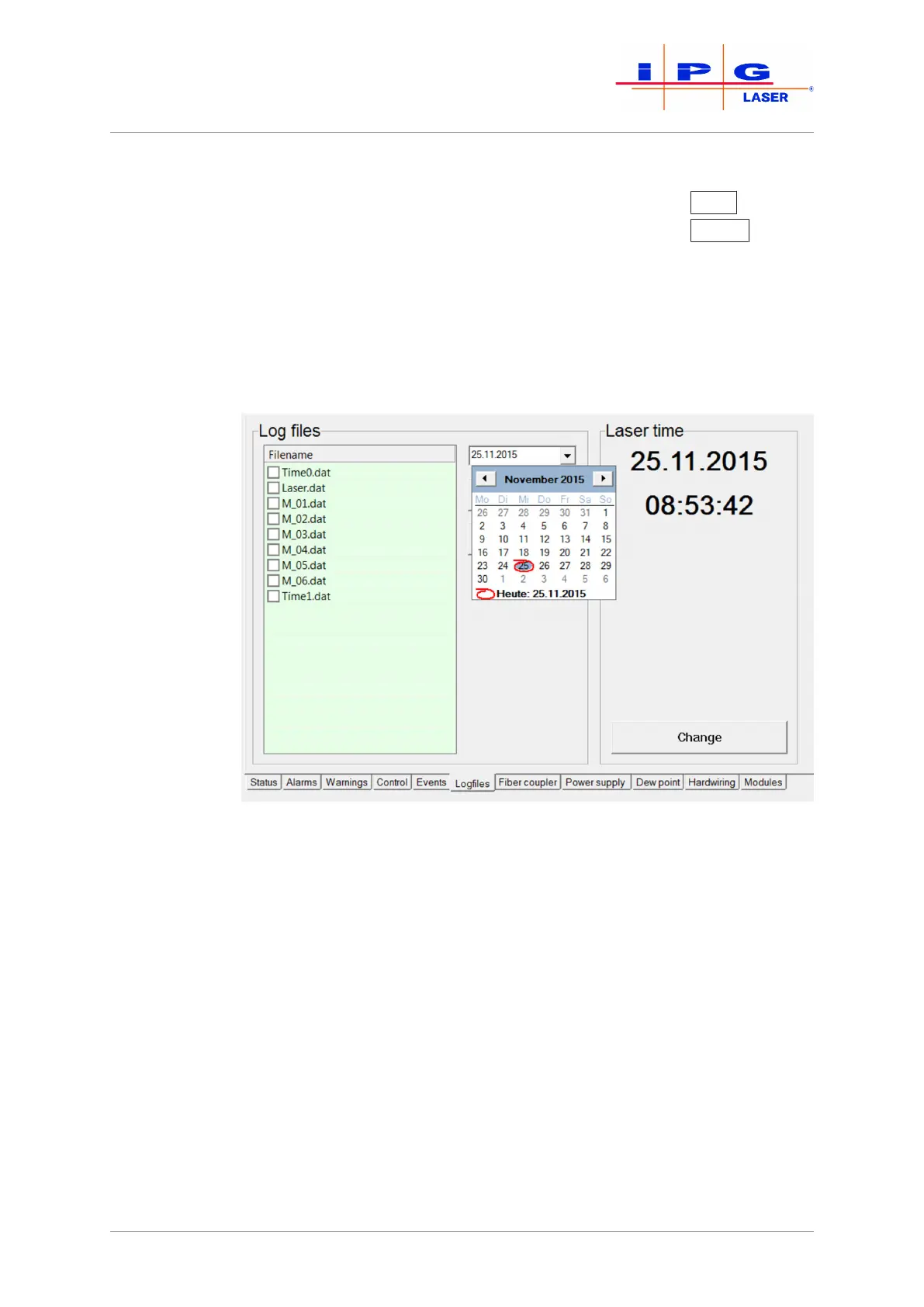
4. Select the date on which the fault occurred. If the date is not
known, you can use the Events tab to find the corresponding
date.
In the File name field, a list appears with the existing log files from the selected
date. If on the selected date the laser was not switched on, no log files were gen-
erated for the date and the File name field remains empty.
Figure79: Select date
5. Using Configuration\LaserNet\Settings\Paths… se-
lect the folder in which you want to save the log files. The folder
C:\User\My Documents\IPG Laser GmbH\ is selected by
default.



 To Next Page