131YLS-K
For the most comprehensive problem description, we recommend
sending the following data to your competent IPG service department
following prior consultation:
• Log files (Downloading the log files via LaserNet [}131])
• An events file as .txt file (Downloading the events file via Laser-
Net [}135])
• An overview of the configuration (Downloading the configura-
tion overview via LaserNet [}136])
10.4.2 Downloading the log files via LaserNet
The log files are automatically generated by the LaserNet software and
can be downloaded via the LaserNet software. They contain informa-
tion about the laser, its operating parameters, all important events and
any alarms.
The laser log file Laser.dat also contains all information about the laser
chiller.
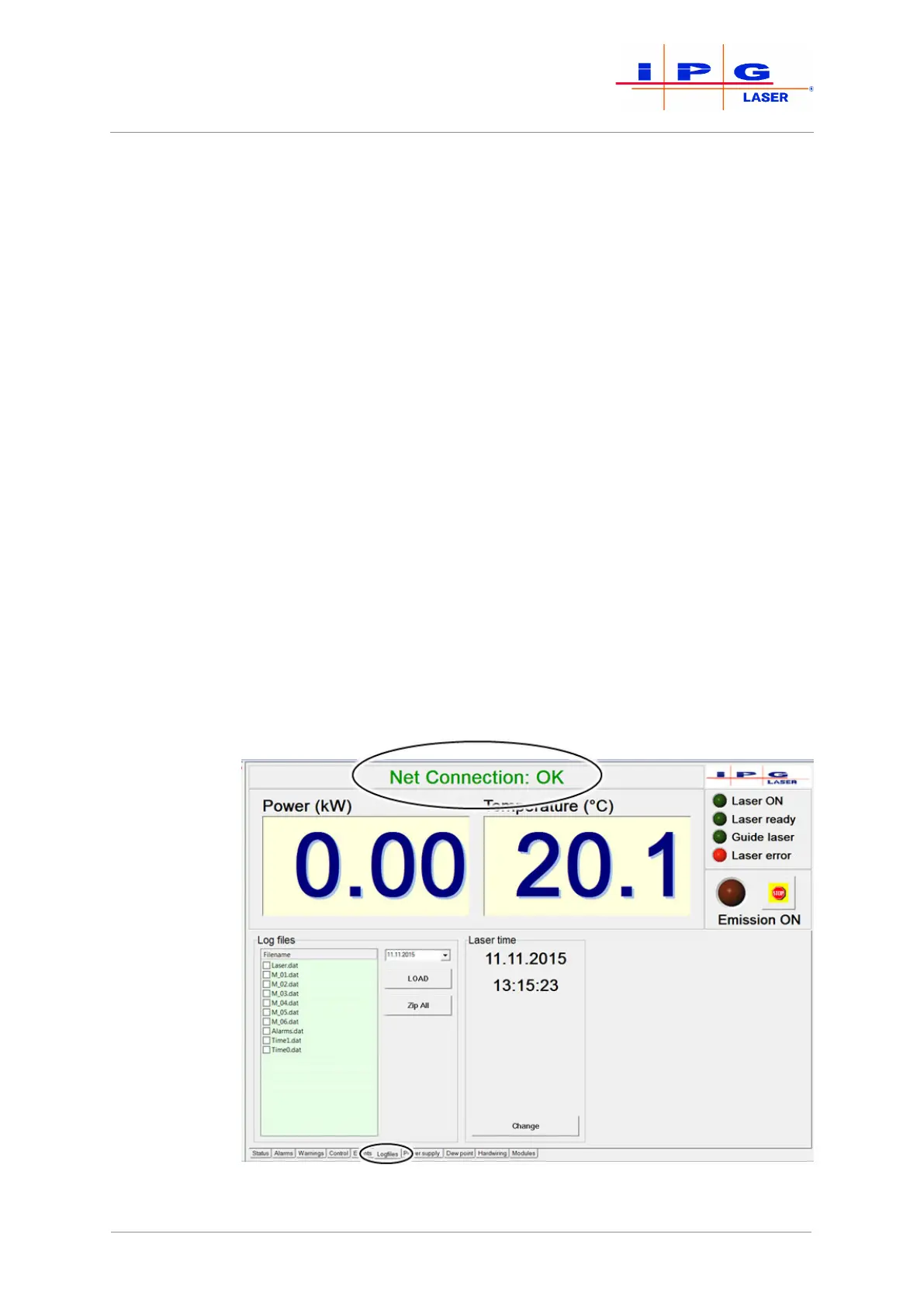
Follow to the following steps to download a log file:
1. Start the LaserNet software.
2. Make certain that there is a network connection to the laser.
3. Select the Logfiles tab.
Figure78: Downloading log files
| Messages and troubleshooting



 To Next Page