139YLS-K
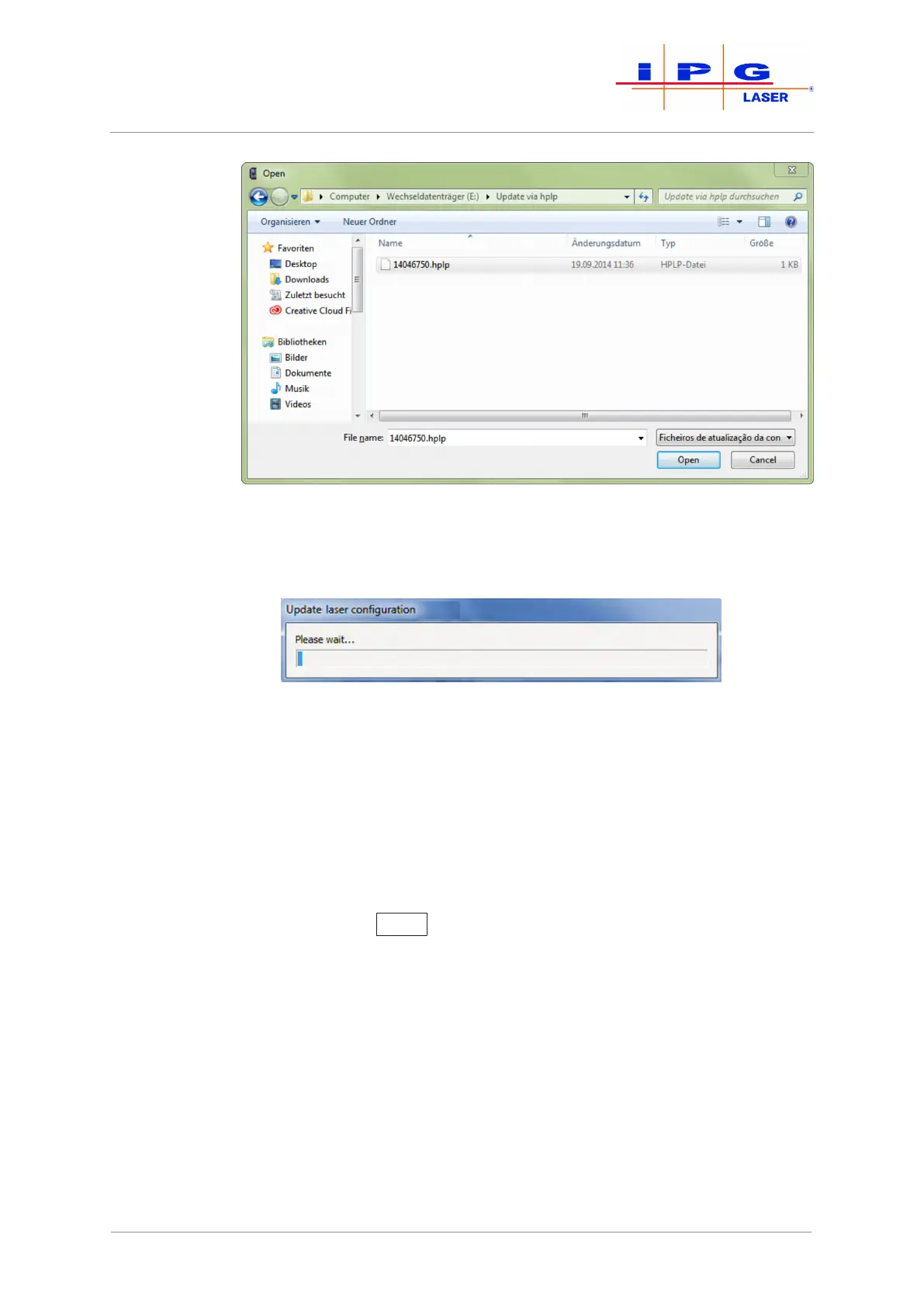
Figure88: Selecting the HPLP file
5. Wait until the new configuration is updated
Figure89: Update progress
6. Then restart the laser.
7. If an external laser chiller is used, restart this as well.
The laser software is now up to date.
10.4.6 Resetting critical errors
If the laser reports the alarm Critical error, you cannot reset the error
by pressing the Reset
button. If you would like to continue working
with the laser anyway, you can reset a critical error only by entering a
code.
To do this, proceed as follows:
1. Start the LaserNet software.
2. Make certain that there is a network connection to the laser.
3. Check whether the guide laser (guide laser 0, if a beam switch is
installed) is visible at the fiber in the combiner module and at the
exit of the process optics.
4. In LaserNet under \Configuration\Laser\, select the sub-
menu Reset Critical Errors.
The dialog window Reset Critical Errors appears.
| Messages and troubleshooting



 To Next Page