| Messages and troubleshooting
140
YLS-K
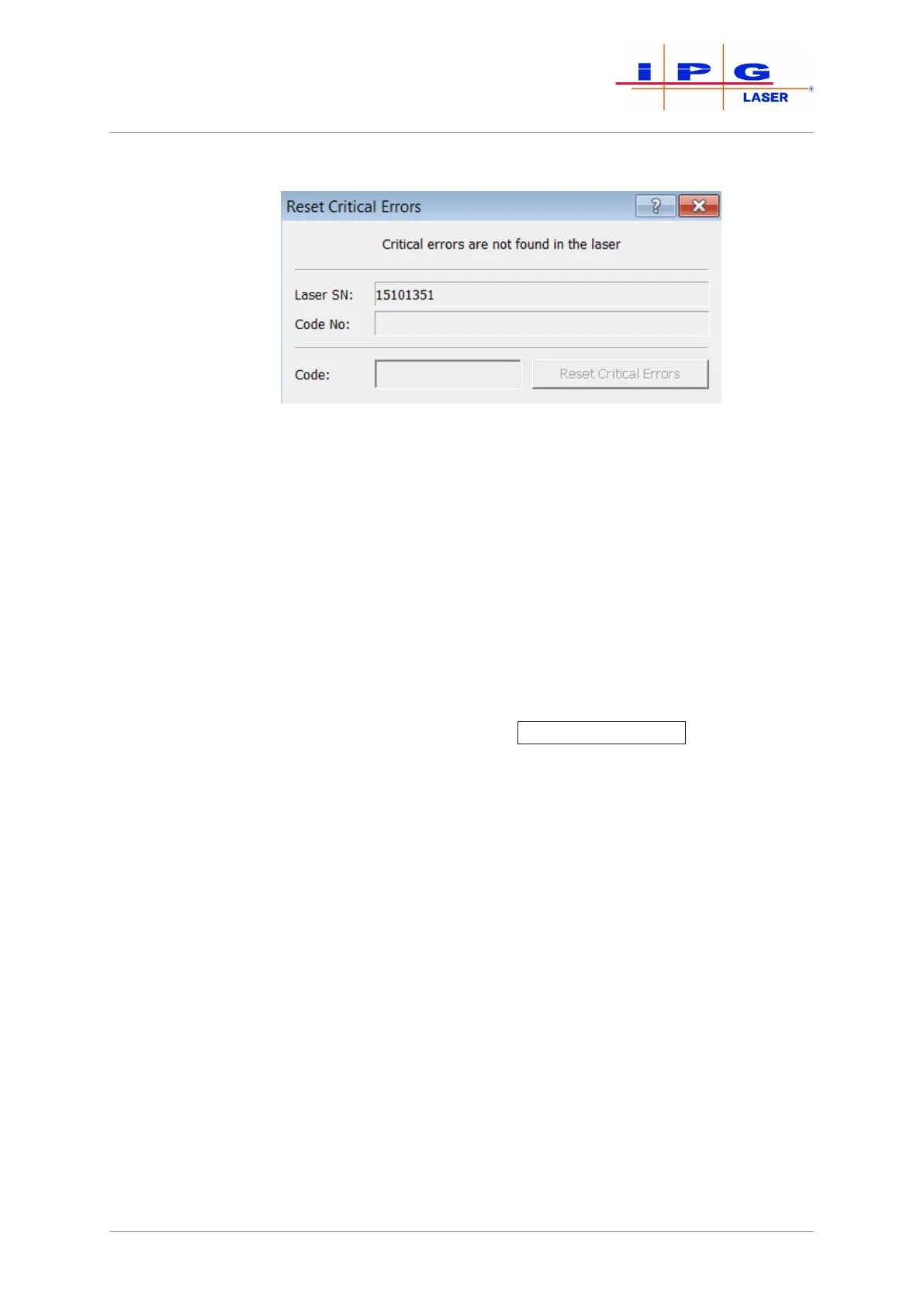
Figure90: Resetting critical errors
5. Contact the competent IPG service department and give them the
laser serial number (Laser SN) and the code number (see Fig. Re-
set Critical Error ) as well as the information of whether the guide
laser is visible.
6. Send the log files (Downloading the log files via LaserNet
[} 131]) and the events file (Downloading the events file via
LaserNet [}135]) to the competent IPG service department.
An IPG service employee will provide you with the code for resetting the critical er-
ror. The code can only be entered once for resetting the reported critical error and
only on the laser with the specified serial number.
7. Enter this code into the input field Code (see Fig. Reset Critical Er-
rors) and click on the button Reset Critical Errors
.
The critical error is reset.



 To Next Page