75YLS-K
5. Start the software by double-clicking the LaserNet.exe file or
its link LaserNet[VERSION].
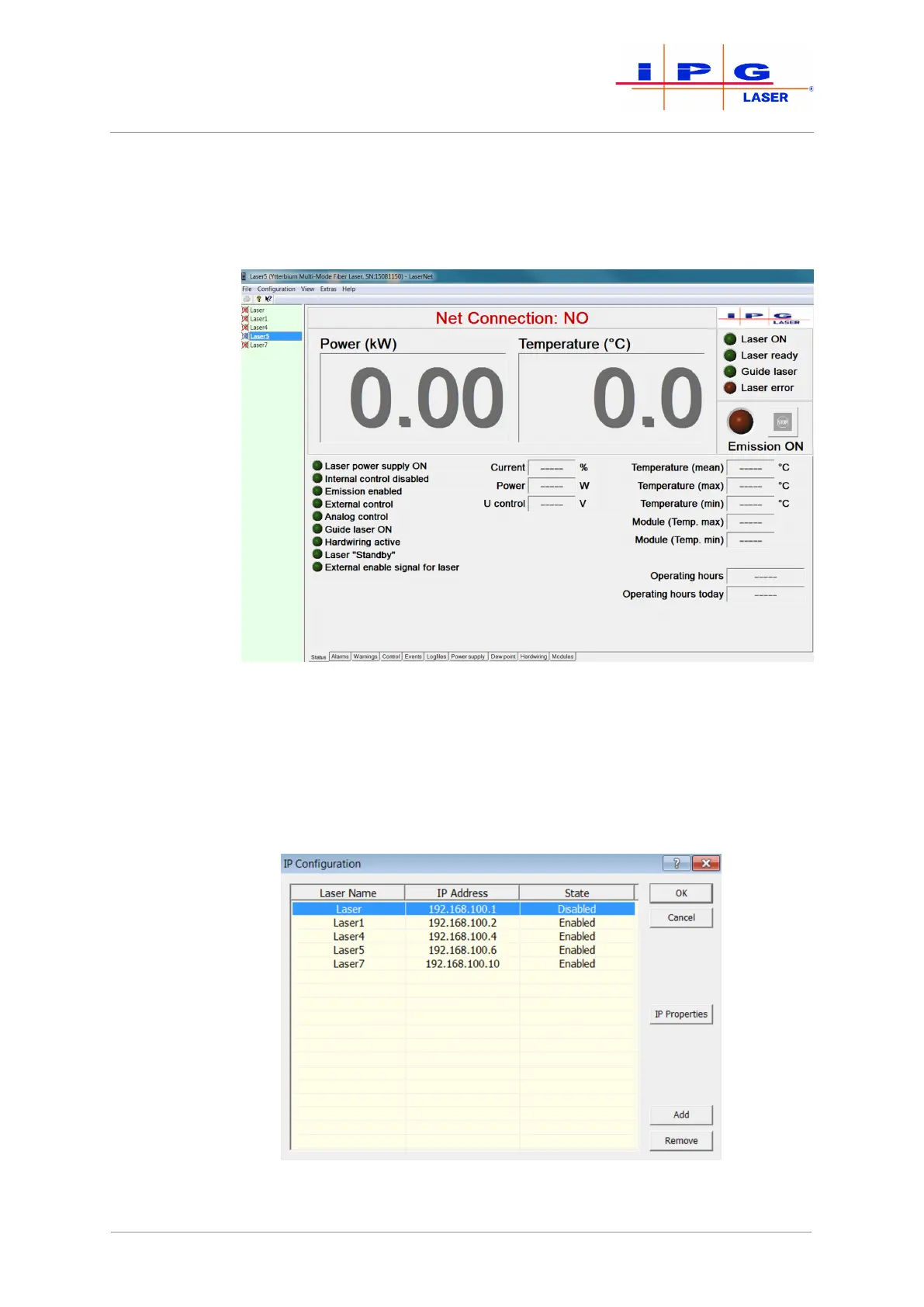
The following screen appears.
Figure33: LaserNet no connection
6. Click in the menu bar on the menu Configuration.
A drop down menu appears.
7. In the drop down menu, select the submenu IP Configura-
tion.
A dialog window appears.
Figure34: IP Configuration dialog window
| LaserNet software



 To Next Page