| LaserNet software
88
YLS-K
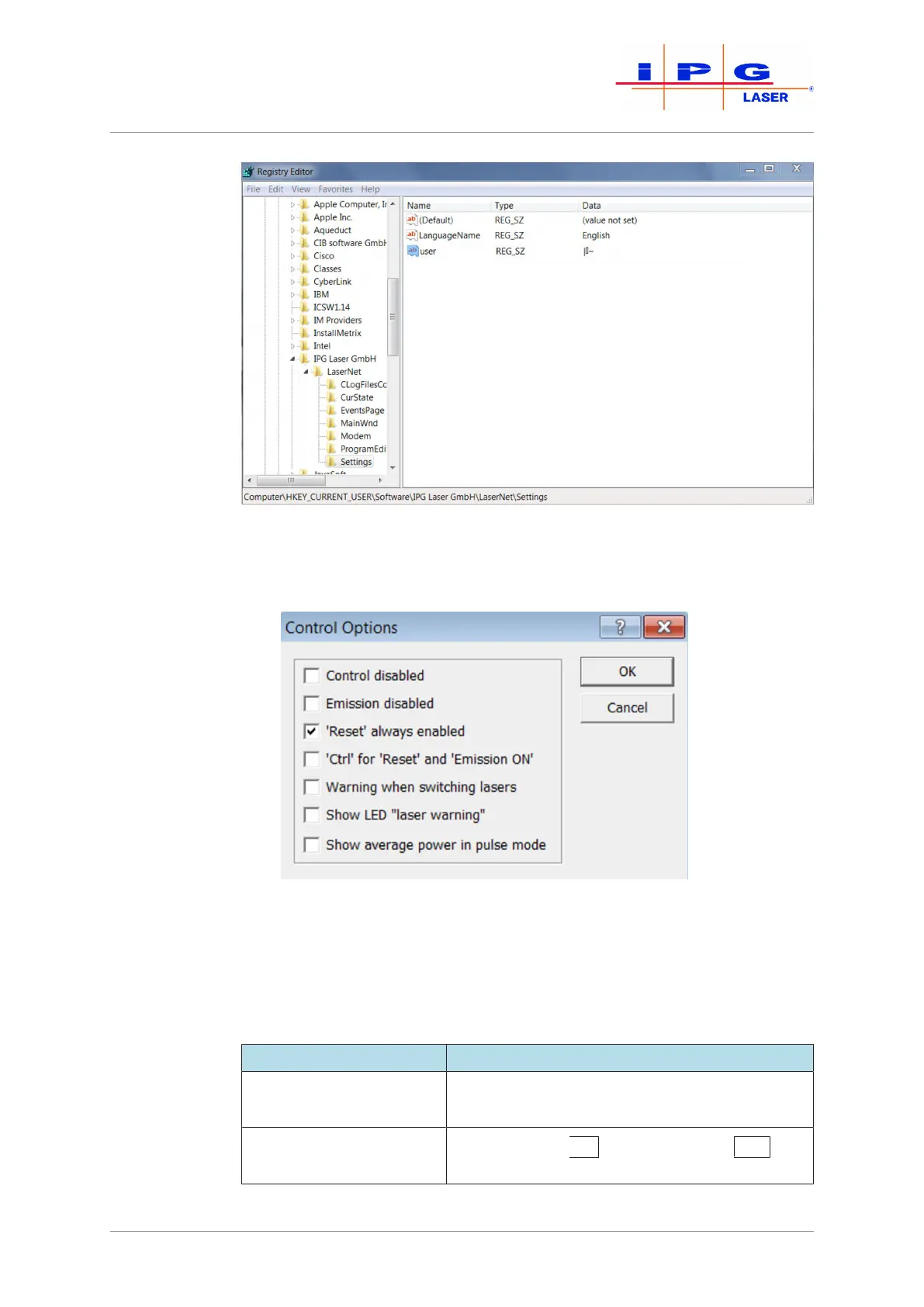
Figure46: Registry Editor
LaserNet Settings
\ Control Options
With the dialog window shown below, you can enable or disable control
options in LaserNet.
Figure47: Control Options
ð Place a check mark in the corresponding field to enable an option.
The following table contains a short description of the control options.
Control option Description
Control disabled All operating functions in the Control tab are de-
activated
Laser emission disabled Laser emission ON / Laser emission OFF But-
ton is disabled



 To Next Page