17
Failed BiT 0 - Panel LEDS
Roomba Symptom: Roomba lights do not turn on.
Æ Connect an *approved* top shell to Roomba and
redo BiT step. If BiT step passes, Roomba is working
and we should now inspect the failed top shell.
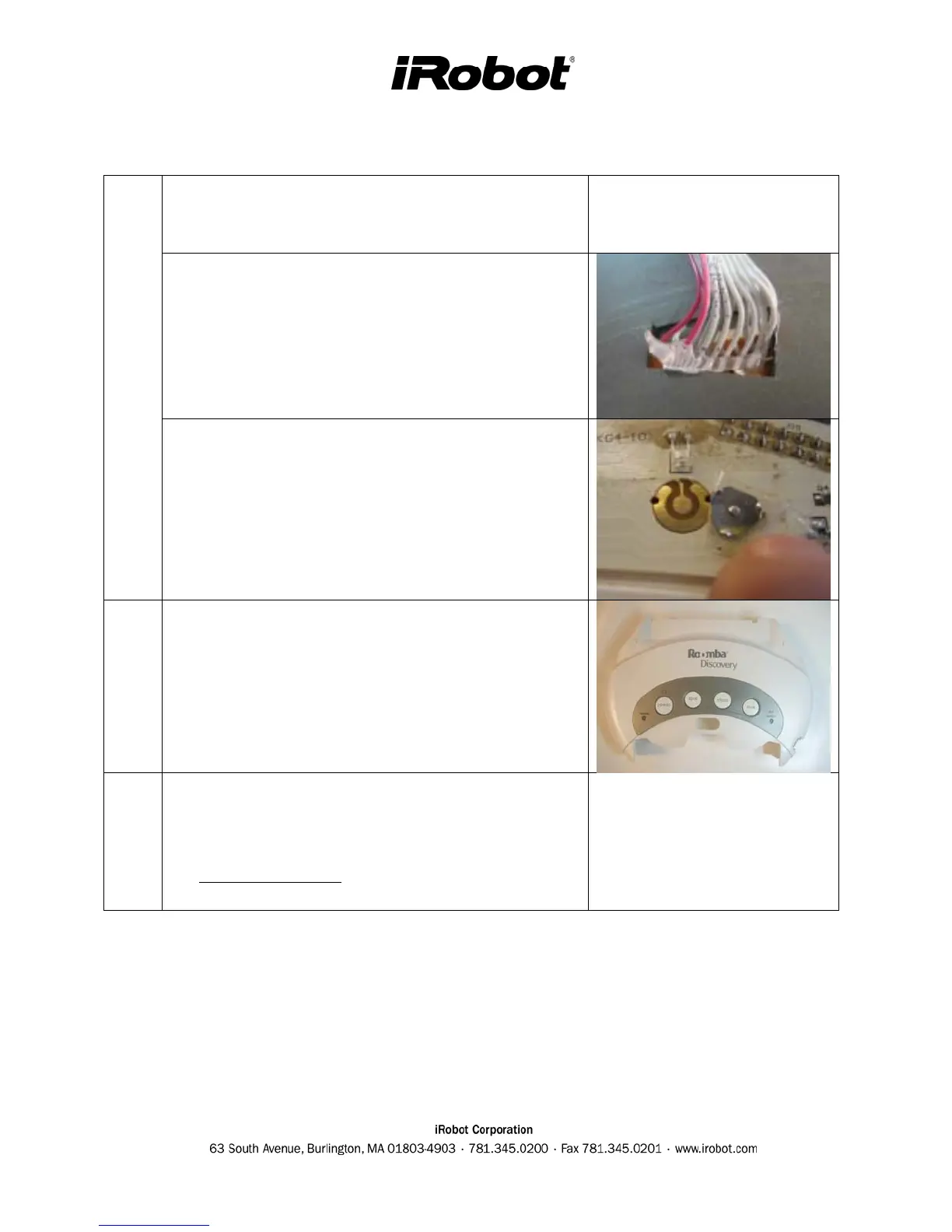
Æ Inspect wiring and soldering under the failed top
shell. Are any pcb wires broken or disconnected?
BiT REPAIR STEPS
Æ If buttons are not working or intermittent and the
Roomba is a Discovery, SE or Scheduler, open the
user interface panel. Clean the pcb under the snap
dome with alcohol and reapply tape to seal switch
from dirt.
REPLACEMENT
PART
Top Cover/Shell
QC
o Inspect the wiring into the user panel and add hot
glue if it is needed for strain relief.
o Ensure BiT passes.



 To Next Page