61
Built-in-Test Data Capture Procedure
iRobot Data Capture
o Run the “iRobot Roomba Factory-Test-Client Version 1.1” software (2006-02007-1059).
o Bring the Roomba and *approved* accessories to the computer.
o Manually enter the Roomba’s Serial Number or press “quit” to exit program
o Manually enter the Roomba’s source. Is it from a customer (c), retailer (r) or unknown (u)?
o Ignore the Mobility test but to move on manually enter either ‘p’ or ‘f’.
o Insert a charged battery in the Roomba. Complete a Built-in-Test on the Roomba and the
power light will be flashing GREEN (it passed) or RED (if failed). Do not remove the battery
as this will erase the test information.
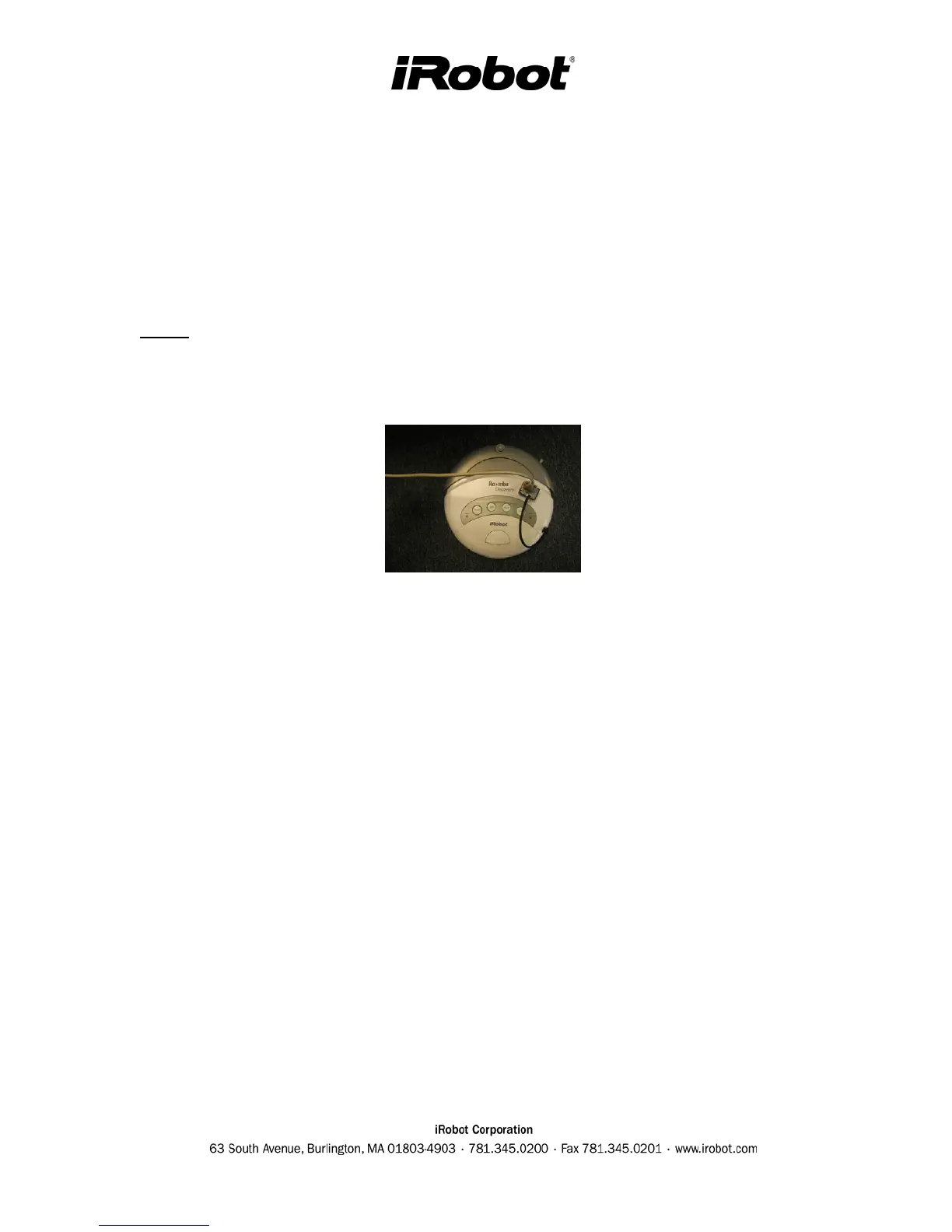
o Connect the Roomba serial port, to the serial level shifter box, to a COM port of a computer.
o Press ‘Max’ or ‘Clean’ or ‘Spot’ to capture the data.
o Disconnect the Roomba.
o You can continue to the next robot and the text file will just get appended as more outputs are
added.
Alternative Data Capture
When the built-in-test is completed the Roomba’s power light will be flashing GREEN (it passed)
or RED (if failed). Do not remove the battery as this will erase the test information.
o Plug in the serial adapter from the robot into COM2 of the PC.
o Open HyperTerminal
-- (In Windows) START ->Programs -> Accessories -> Communications ->
HyperTerminal …or…
(In Windows) START->RUN and enter HYPERTRM.EXE
o Name the connection (anything)
o Choose COM1 or COM2 depending on where you attached the adapter.
o Select bits per second and change to “57600”and under flow control select “none” (leave all
other settings alone).
o In "HyperTerminal" go to TRANSFER -> CAPTURE TEST -> START
o Press MAX on the Roomba
o In "HyperTerminal" go to TRANSFER -> CAPTURE TEST -> STOP



 To Next Page