75
9
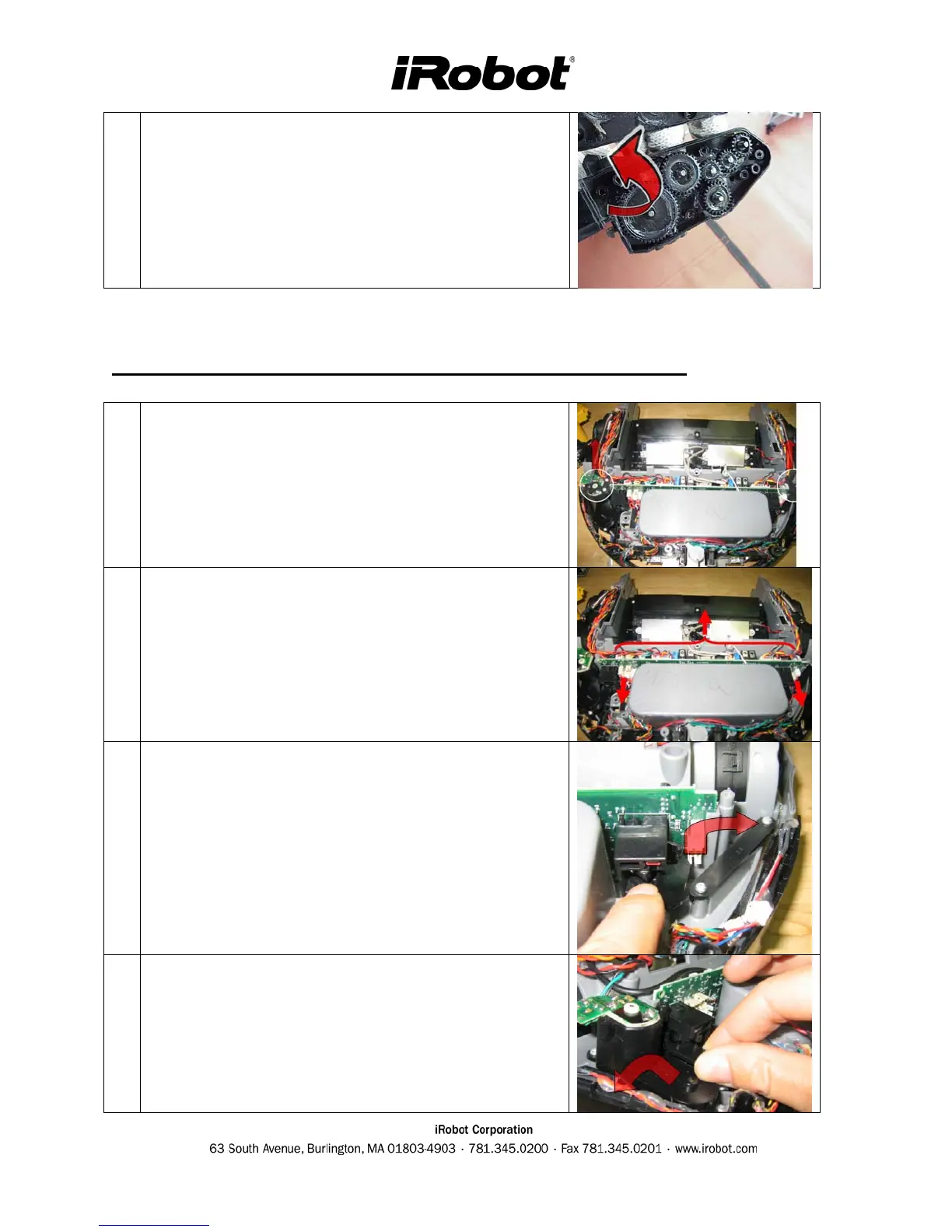
Lift the side gear box cover to inspect gears. Clear of
hair and apply lubricant grease if necessary.
Roomba Main PCB & Inner Bumper Removal Procedure
1
Unscrew the mounts (4) holding down the pcb on the
edges.
2
Detach all the connectors attached to the pcb.
3
Swing the inner bumper arm towards the pcb and
outwards to disengage it.
4
Swing the bumper arm towards the pcb and outwards
to disengage it. Allow the pcb to lift to avoid hitting
the side brush gearbox housing.



 To Next Page