78
6
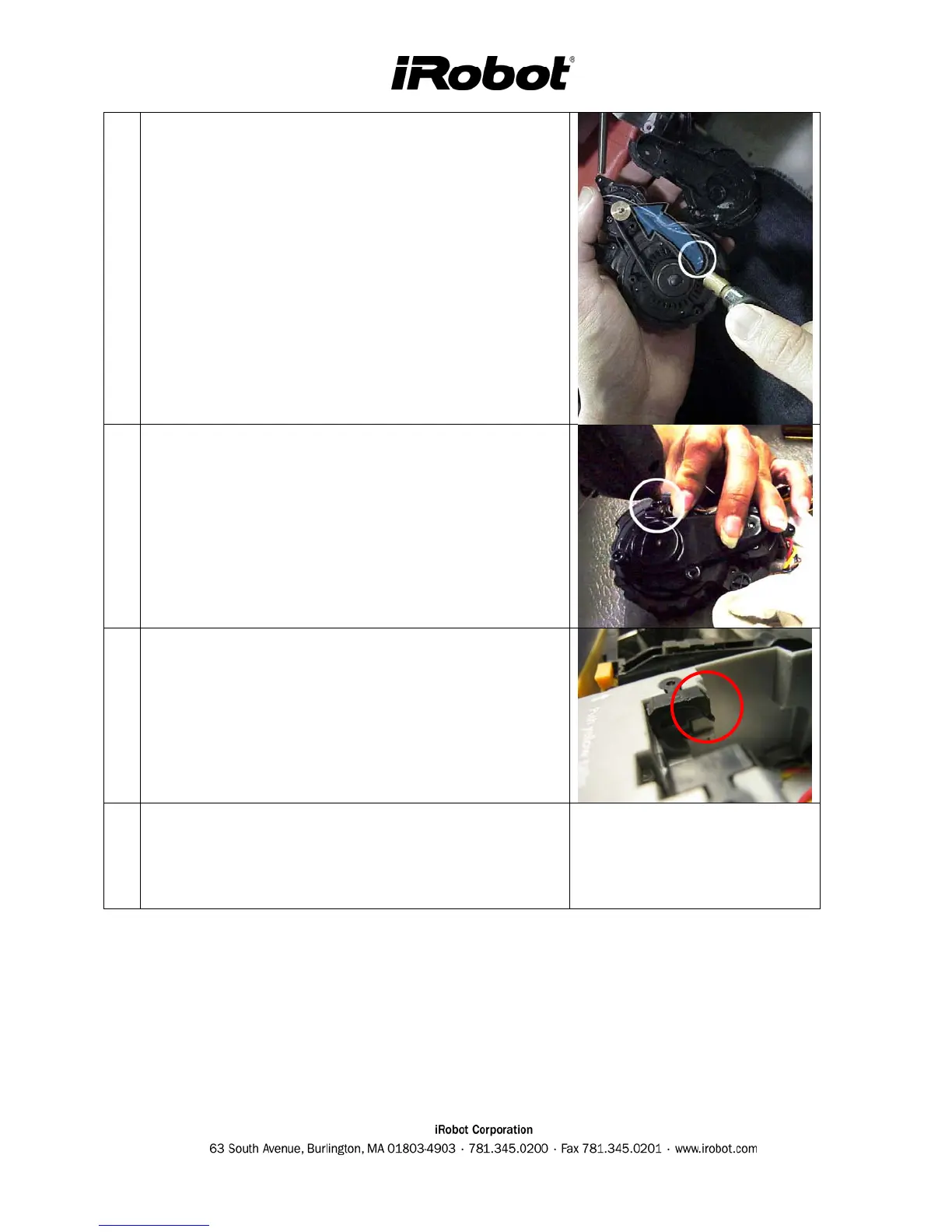
Verify the belt is not worn or broken and replace if
needed.
7
Close the wheel cover and verify it is correctly aligned
and snapped into place. Guide wires through wire tabs
and verify the sensor wires are NOT pinched.
8
Inspect the wheel supports and replace if bent or
deformed.
9
Replacing the wheel and route wires so that they won’t
get pinched by chassis. Replace glue and zip ties if
necessary.



 To Next Page