43
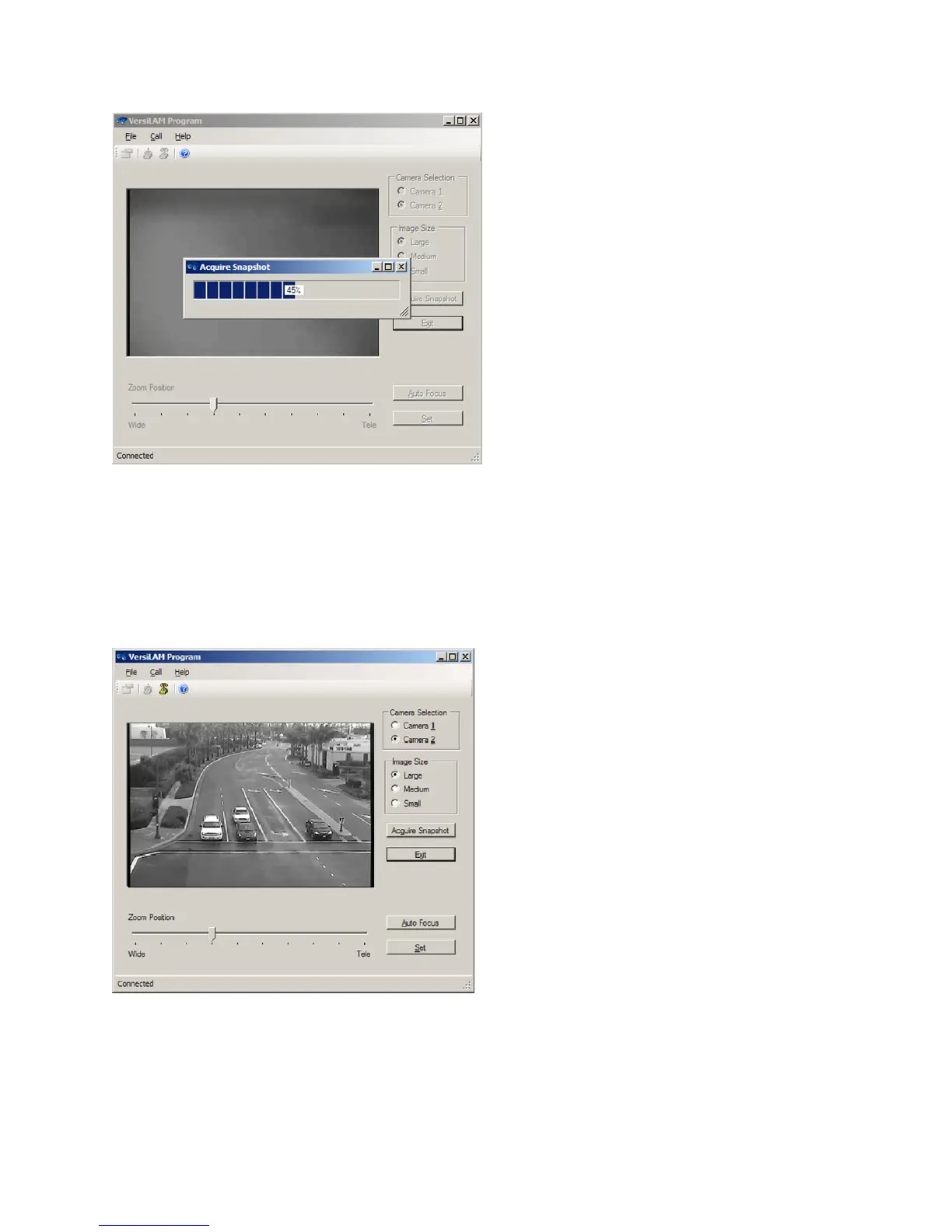
Figure4.3(b)
Oncetheimagehasbeendownloadeditwillbedisplayedonthescreen,seeFigure4.3(c).Followingthe
guidelines set out in Section 3.1.1, adjust the rotation of the image as necessary at the camera. If the
FOV is too close move the slider toward the “Wide”
setting, if the image is too far move the slider
towardthe“Tele”setting.Everytimeanadjustmentismadethesystemwillgreyoutwhilethechanges
are sent to the camera and the adjustment made. After each adjustment click on the “Acquire
Snapshot”buttontoreceivethelatest
FOVimage.
Figure4.3(c)


 To Next Page