Alternate short mode
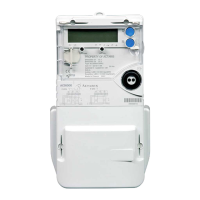
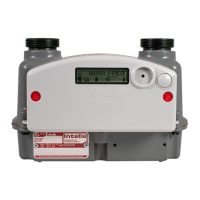
For SL761:
This mode can only be accessed with the reset button unsealed. Typically, it allows the manual display of pre-
selected parameters accessible only by the utility.
On entering this mode, the LCD is backlit and will display any status words related to fatal and non-fatal alarms.
Pushing the reset button (short push) will clear non-fatal alarm status words one at a time.
To display the first parameter in the alternate short list sequence, push the display button once (short push). The
ALT annunciator icon will light and flash.
To display the next parameter in the alternate short list sequence, push the display button once (short push).
To auto-scroll through the entire parameter sequence, hold down the display button.
After a predefined inactivity time-out period the meter returns to the normal mode.
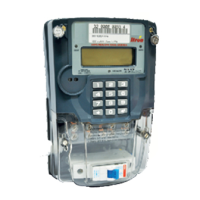
For SL764:
As the alternate short mode corresponds to the programming mode, a manual way to exit from this mode has
been defined. The auto-scrolling mode is not used in this mode, thus the meter shall return to the normal if the
display time-out is reached or if a very long push (>5s) occurred.
Normal
Alternate
short
Time-out
Power-up
Display PB (end of sequence)
Display PB
/ next data
Reset PB
/ RAZ MDI
Display PB >5"
Reset pushbutton operation
In this display mode, the reset button operates in the same way as in the alternate long list STD-DATA level.



 To Next Page