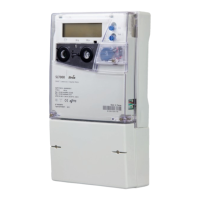
Set mode
In this mode, it is possible to modify certain pre-defined meter parameters, such as date or time.
On entering this mode, the leftmost digit of the displayed parameter will be flashing.
If the digit requires modification
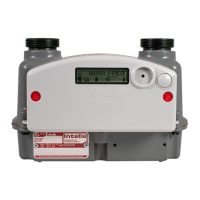
1. push the display button (short push) to increment the digit value
2. when satisfied with the modification, push the reset button (short push) to set the value and automatically
move to the next digit
If a digit does not require modification
push the reset button (short push) to move to the next digit
Repeat the above steps for all digits.
When the last digit has been set, the whole parameter will flash:
1. push the reset button (short push) to record the value
2. push the display button (short push) to advance to the next parameter in the list
After a predefined inactivity time-out period, the meter returns automatically to the previous alternate mode.



 To Next Page