Device Messages and Troubleshooting
122
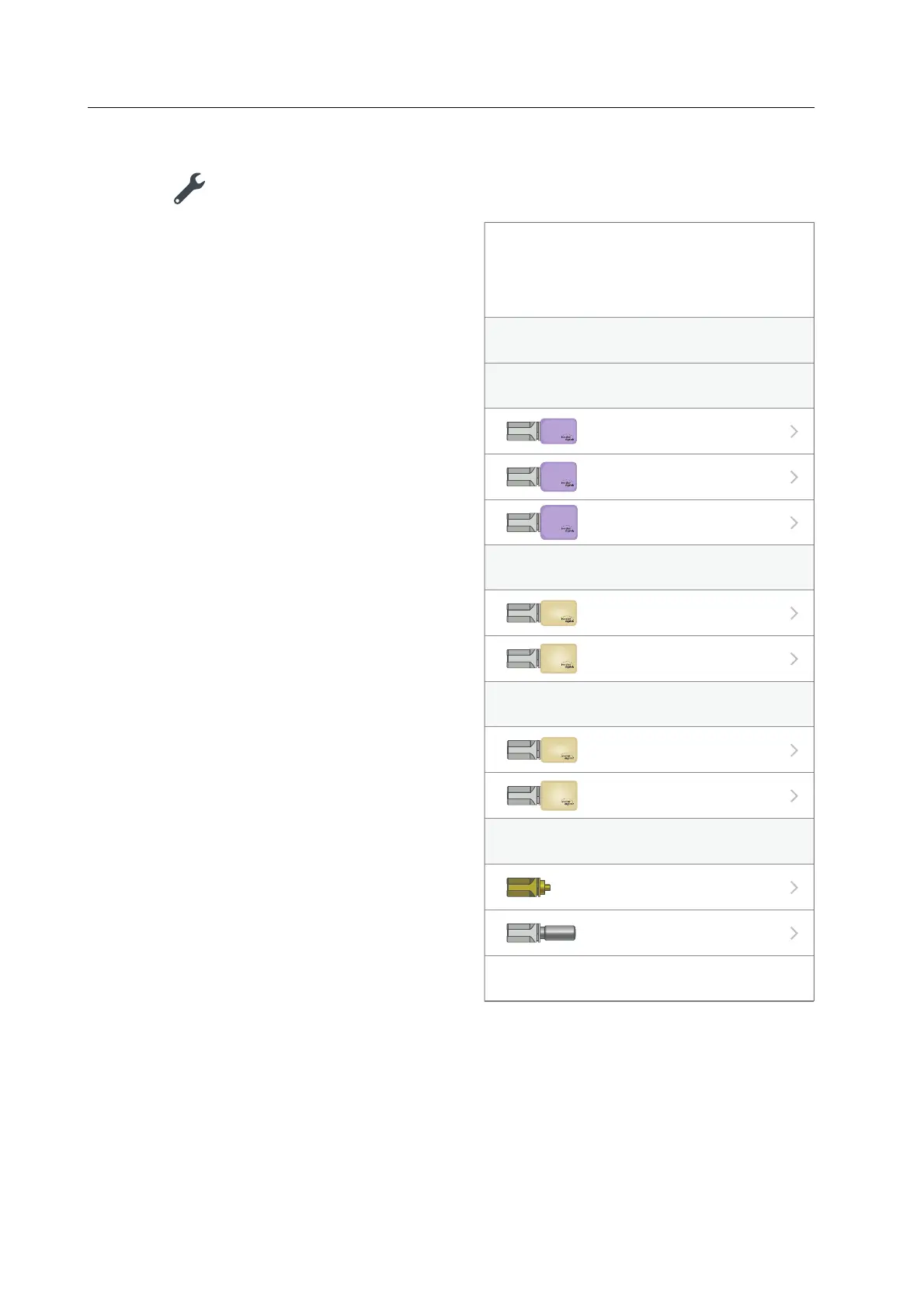
2. Tap the icon in the entry of the block:
The list of available block types will be
displayed.
3. Tap on the desired block type.
4. To confirm the block type and to make additional settings (e.g. choose the shade, define
the sinter shrinkage), follow the instructions in the app.
The block is registered.
Select block type
Cancel
IPS e.max CAD
IPS Empress CAD
PrograMill One
Tetric CAD
e.max
®
CAD
i12
IPS
e.max
®
CAD
C14
IPS
e.max
®
CAD
C16
IPS
Empress
®
CAD
i12
IPS
Empress
®
CAD
C14
IPS
Tetric
®
CAD
i12
Tetric
®
CAD
C14
ESD-Pin for One
ESD-Pin B-Axis for One
I12
C14
C16
I12
C14
I12
C14
Unidentiable in slot 1



 To Next Page