Cleaning and Maintenance Work for the User
128
9.3 Carrying out manual cleaning work on the housing and in the
milling chamber
9.3.1 Preparing for cleaning
The cleaning tool is in the material and tool changer (“Inserting the cleaning tool into the
material and tool changer”, page 47).
The device is switched on.
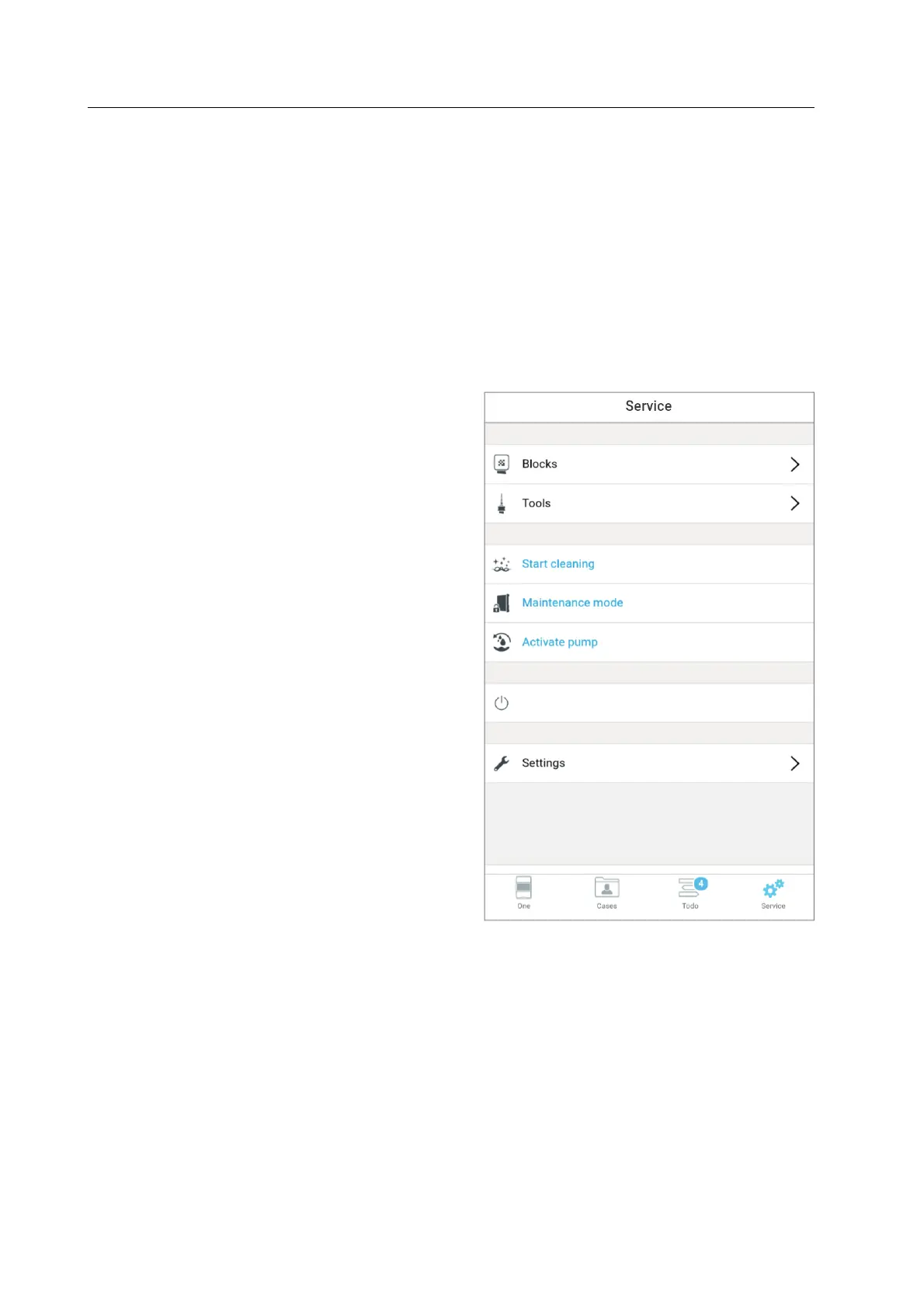
You are in the main menu [Service].
1. If there is still water in the milling
chamber at the time of cleaning: Start
the integrated suction pump via the
menu [Activate pump].
2. In the menu tap on [Start cleaning].
The app shows a Wizard which will guide you step by step through the cleaning process.



 To Next Page