Operating the Operating Panel
71
6.5.4 Status displays in the section [Identification]
In the [Identification] section, the symbols provide information that there are still non-
identified tools or blocks:
By tapping on the respective entry in the list, you can start the identification manually. As an
alternative, you can wait for the automatic identification by the device. The device will
automatically perform the identification within the next minutes.
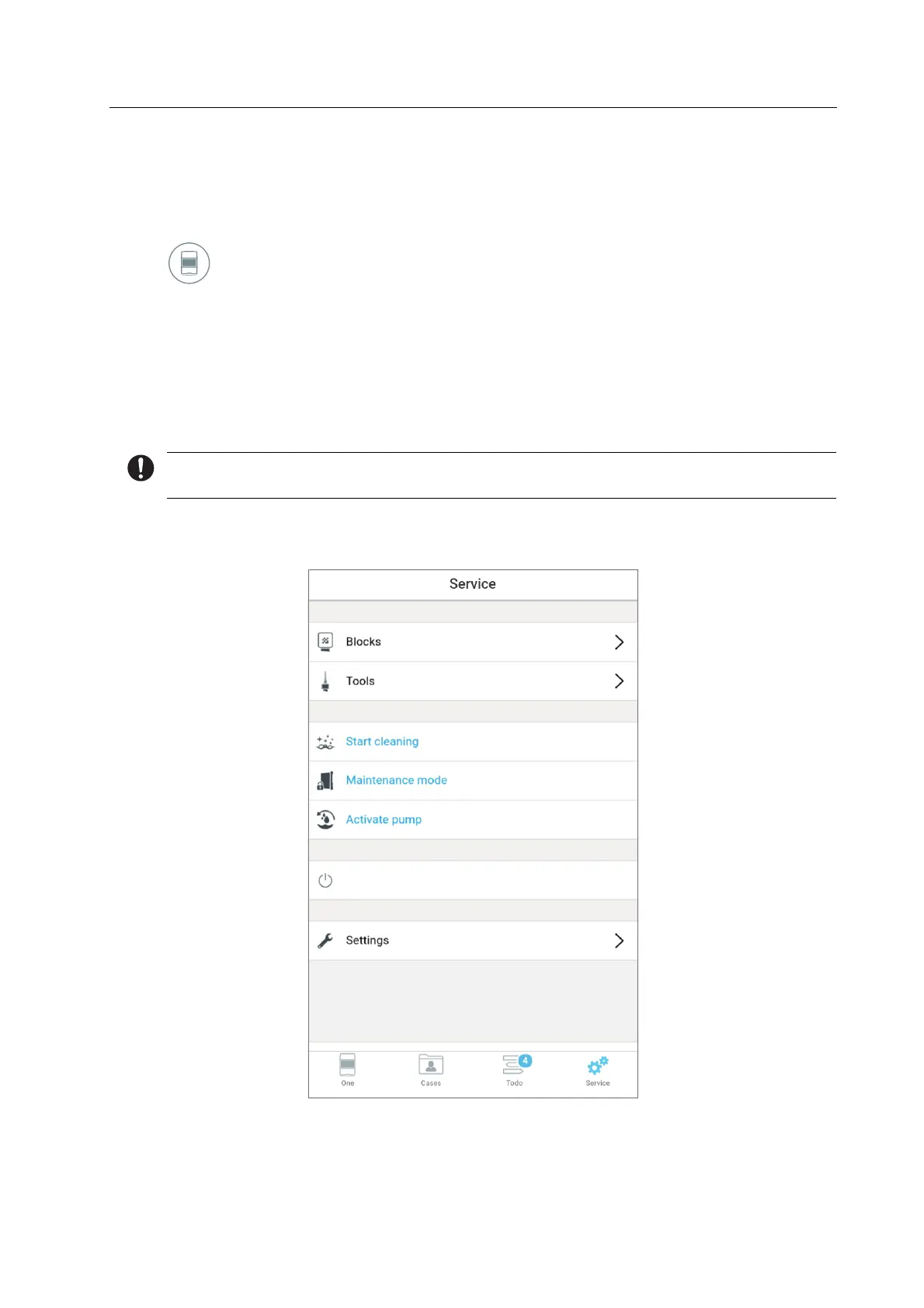
6.6 Main menu [Service]
If a function is not active during a specific device status, it will be greyed out.
In the main menu [Service], you can perform various configurations and presets for your
device.
Shut down



 To Next Page