Editing Milling Jobs
107
7.4 Starting individual milling jobs (Single mode)
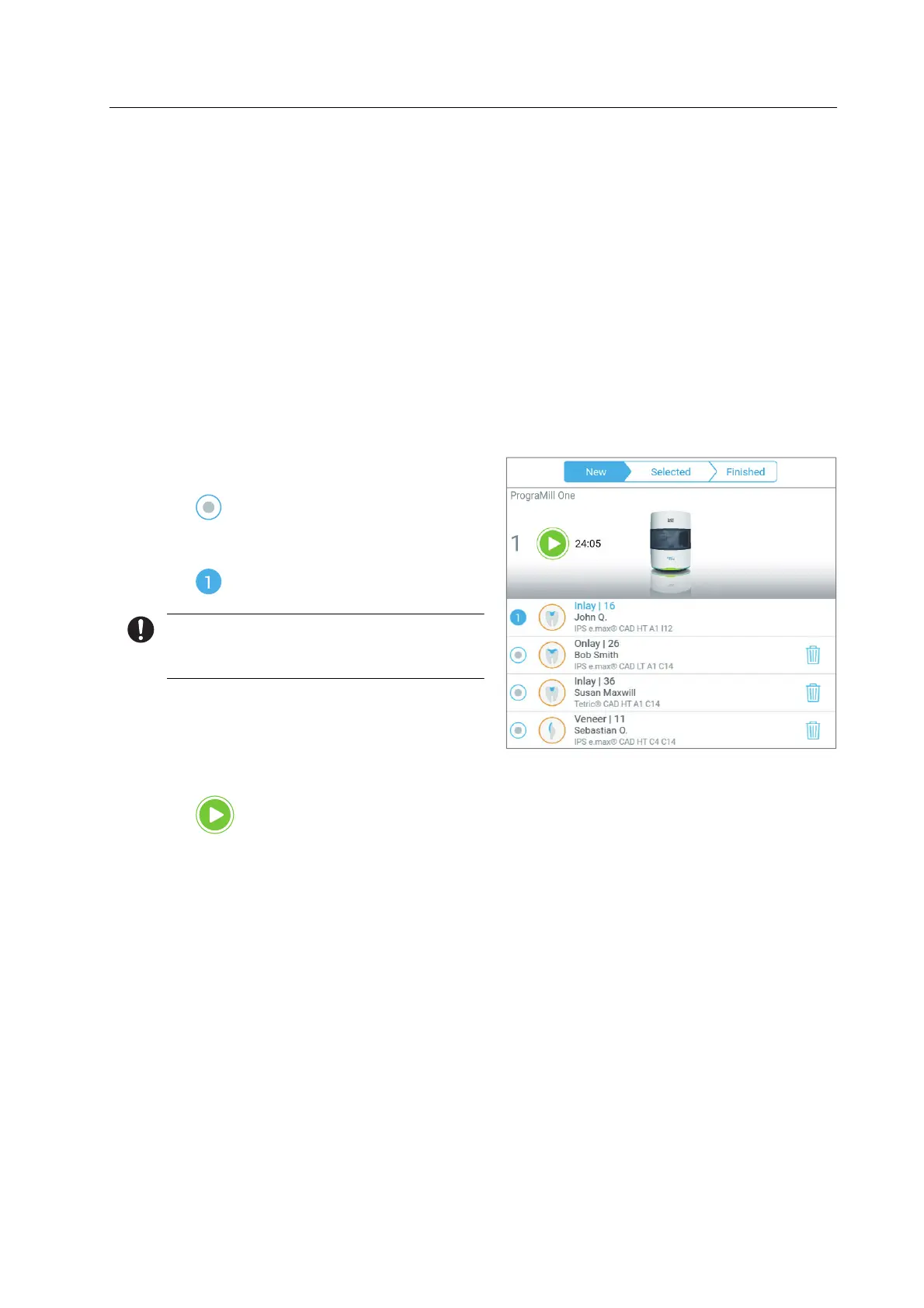
In the main menu [Cases], tab [New], all milling jobs transmitted from the Ivoclar Digital
system solution to PrograMill One, which are waiting for processing, are displayed (“Tab
[New]”, page 57).
In the Single mode, individual milling jobs will be performed.
You can either insert the required block and the tool right now in advance or perform all
device- and milling job-related tasks after the start of the milling job with the help of the
Wizard.
The cleaning status of the unit is OK (“Cleaning and Maintenance Work for the User”,
page 125).
You are in the main menu [Cases] in the tab [New].
1. In order to start the milling jobs, tap on
the symbol in the status display:
The milling job is selected and marked
with
.
You can start the milling job in both tabs:
[New] or [Selected].
2. In order to start the milling job, tap on
the tab [Selected].
The milling duration is displayed.
3. Tap the icon in the status bar:
In case other device- or milling job-
related tasks are pending, the Wizard
will guide your through the respective
tasks.
As soon as all tasks are performed, the
milling job will start.



 To Next Page