Editing Milling Jobs
111
7.6 Performing an emergency stop
Use the emergency stop only in the most extreme case, e.g. in order to prevent possible
damage to the spindle, processing and changer arm or tools, including overheating of the
device.
After an emergency stop, the running milling job can be restarted.
CAUTION! Stopping a running milling job.
The milling machine stops in an uncontrolled manner.
Processing and changer arm is in the wrong position.
Danger of collision in the milling chamber and therefore damage to the device at the start of
a new milling job or the resumption of a milling job.
Damage to the device.
Damage to blocks or tools.
Only use the emergency stop in extreme emergencies
A milling job is processed.
You are in the main menu [Cases] in the tab [Selected].
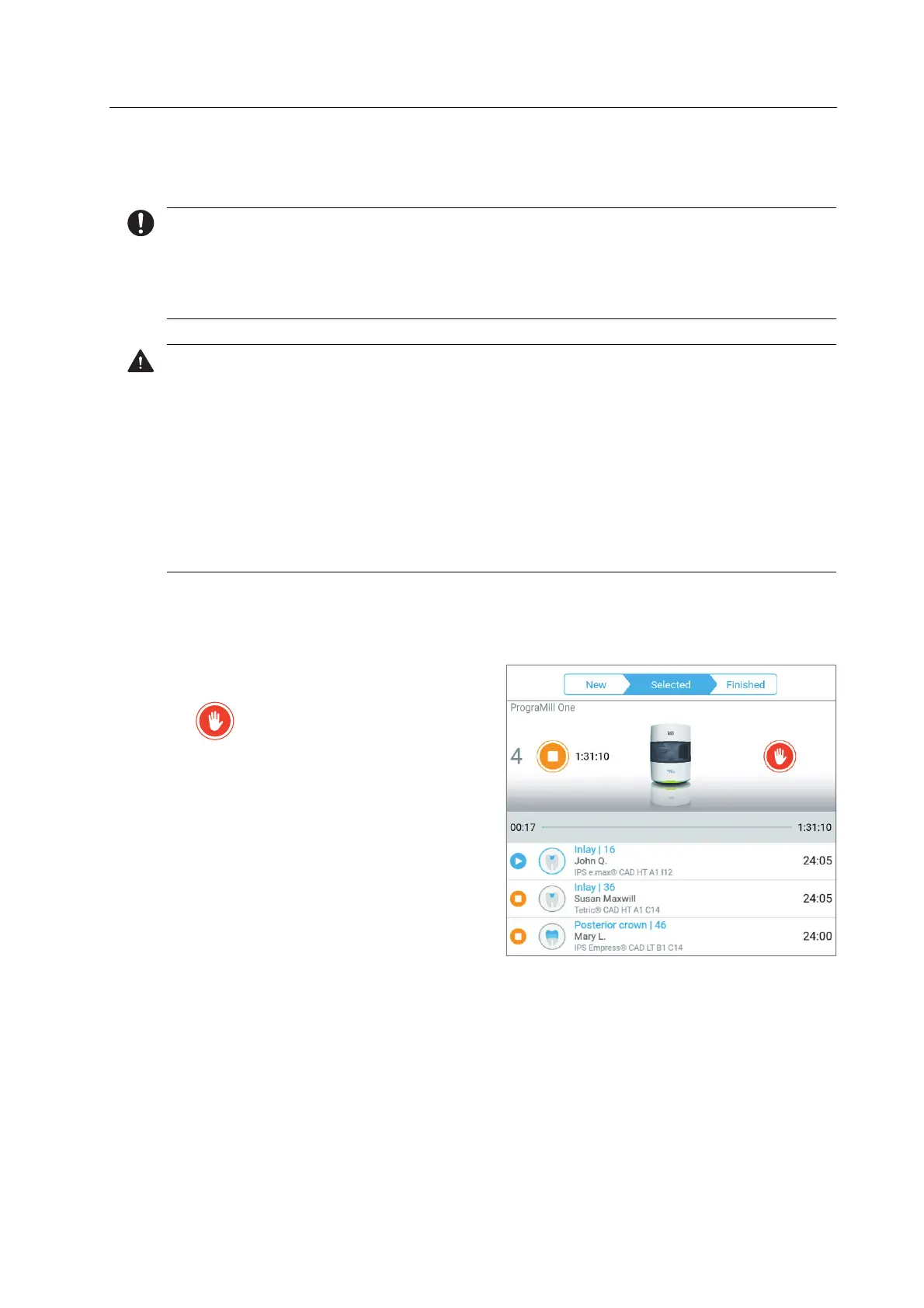
To activate an emergency stop, tap on
the symbol in the status display:
The running milling job will be aborted.
Once the device has been restarted, the milling job will continue to be processed.



 To Next Page