Editing Milling Jobs
110
7.5.1 Pausing the processing of milling jobs after the current milling job and then
continuing again
One milling job is processed.
At least one more milling jobs are in the processing queue.
You are in the main menu [Cases] in the tab [Selected].
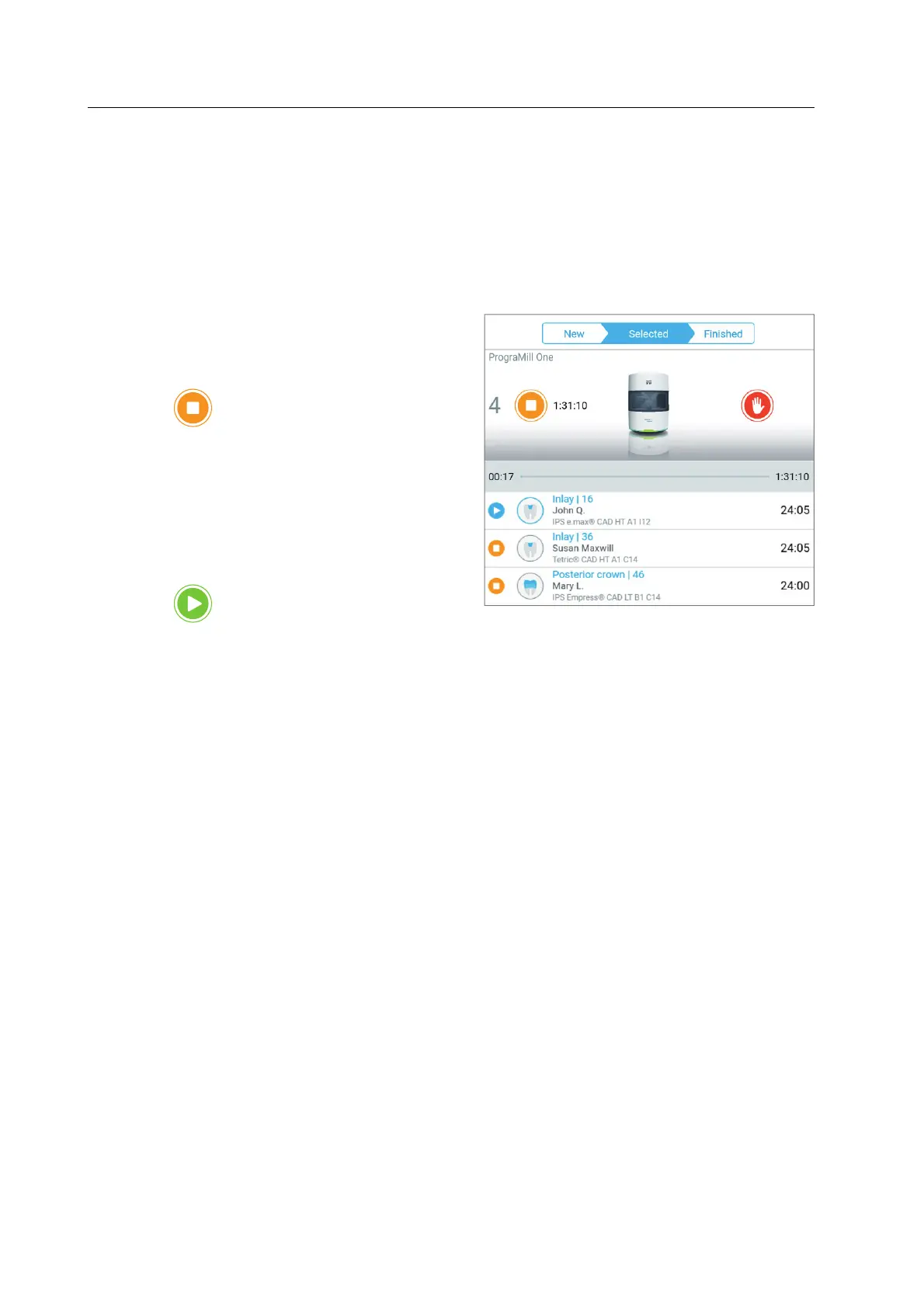
1. In order to pause the milling jobs
(example: milling jobs 2 and 3) after the
currently running milling job, tap on the
symbol in the status display:
The current milling job is processed until
it is complete.
Once the current milling job has
finished, PrograMill One stops.
2. In order to continue processing (milling
jobs 2 and 3), tap the symbol in the
status display:
The next milling job in the list will be processed.



 To Next Page