Operating the Operating Panel
53
6.3 Main menu [One]
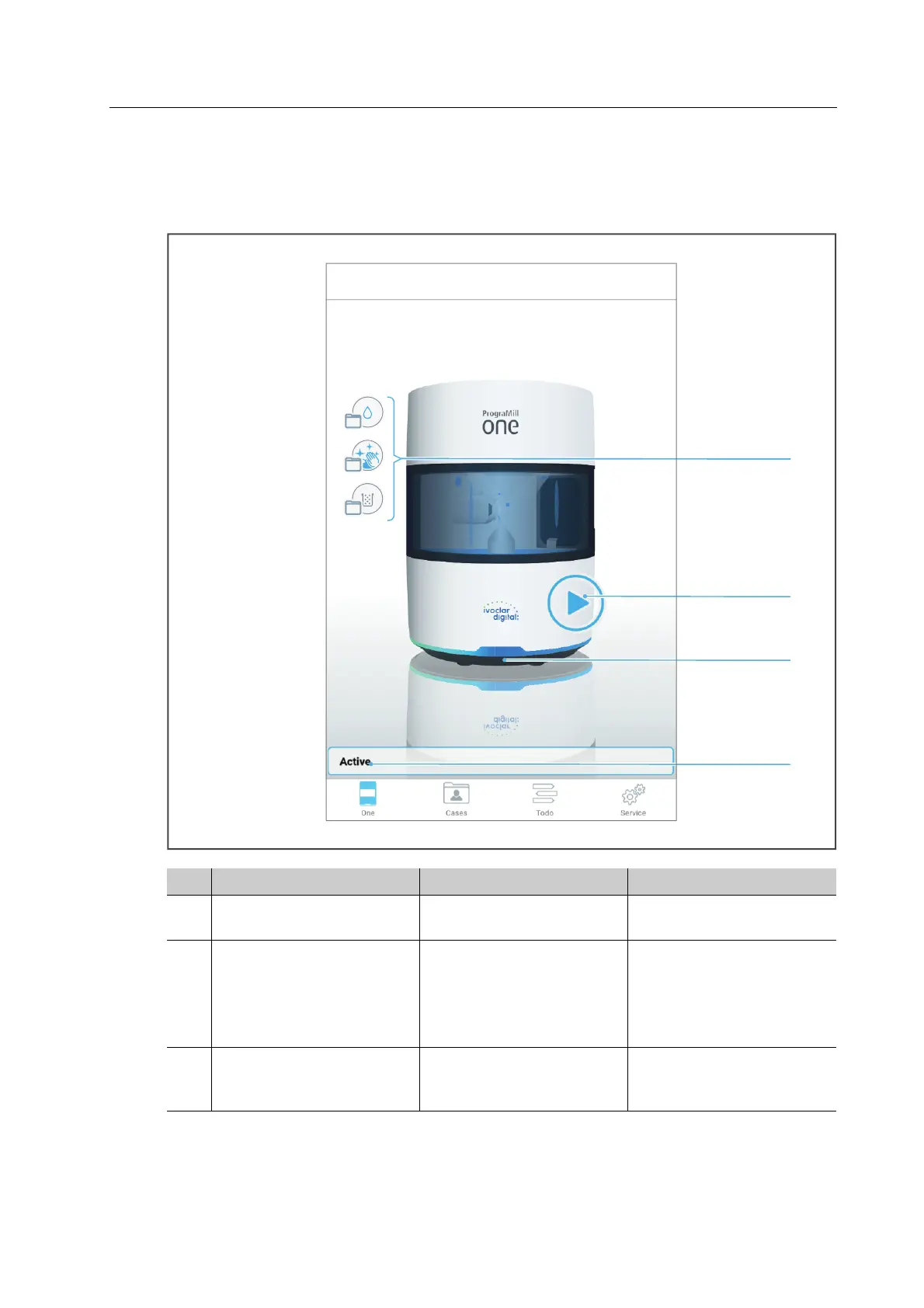
In the main menu [One] you can check the current status of your device at a glance.
No. Element Description Reference
1 Tasks Tasks that will be due
shortly
“Pending tasks”, page 54
2 +
4
Messages regarding
device status
(situation-dependent)
Status indication that the
device is ready for
operation
• “Pending tasks”,
page 54
• “Device Messages and
Troubleshooting”,
page 116
3 OSD ring The colour of the OSD
ring shows the current
status of the device
“OSD ring status”,
page 116



 To Next Page