Operating the Operating Panel
54
Depending on the device status, the following additional information may be shown:
• Shut down button
• Notifications on available updates
• Notifications on occurred errors
6.3.1 Pending tasks
The task symbols are defined as follows:
The numbers in the symbols indicate after how many milling jobs the task will be due
(< 5 milling jobs).
The exclamation mark indicates that the task will be due shortly but at least 5 more milling
jobs can be processed.
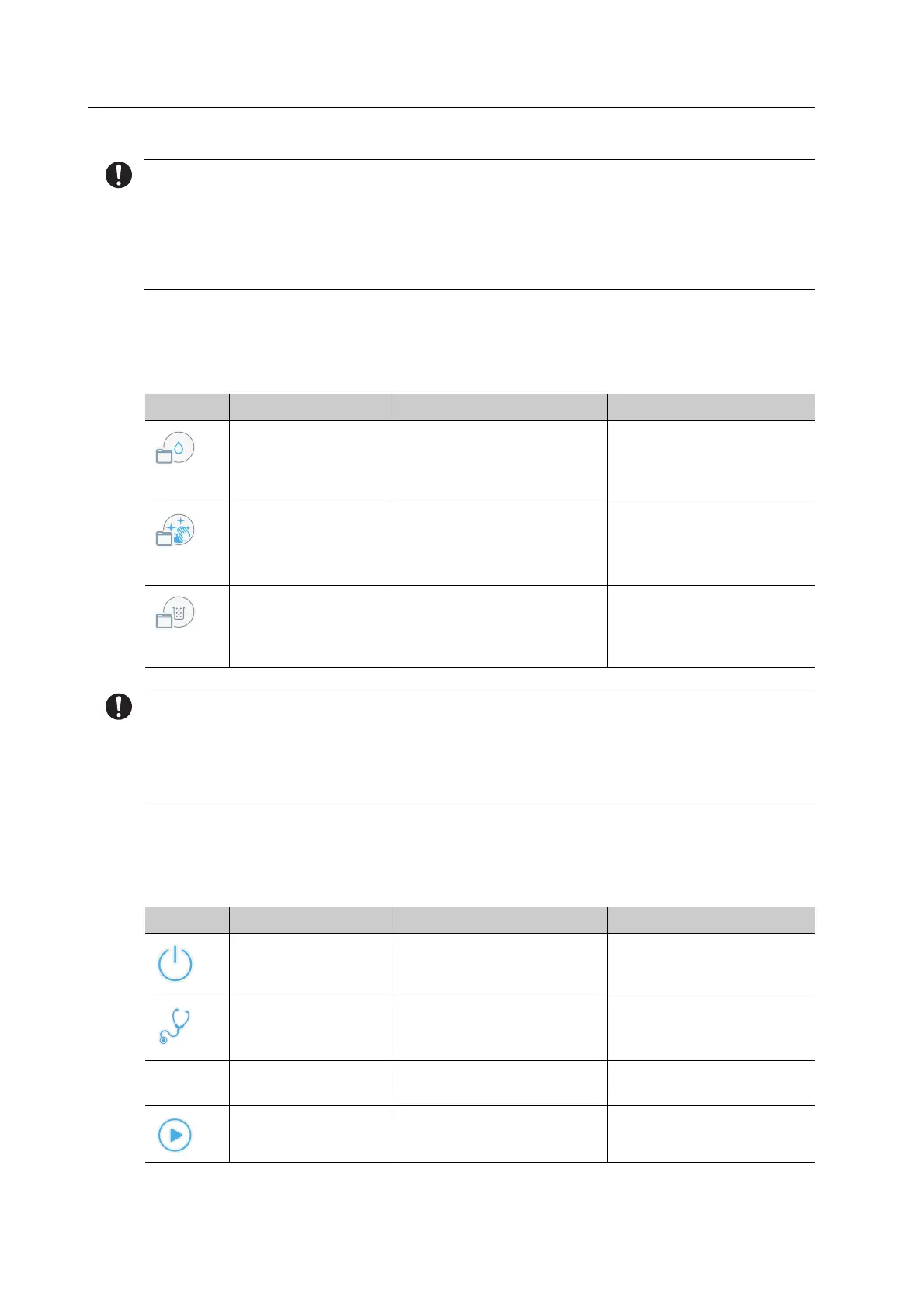
6.3.2 Device status symbols and designations
The device status symbols and descriptions are defined as follows:
Element Designation Description Reference
Water level low Water/coolant fluid must
be refilled shortly.
“Changing/Refilling the
water in the main tank
and changing the filter”,
page 83
Manual cleaning Manual cleaning must be
conducted shortly.
“Carrying out manual
cleaning work on the
housing and in the milling
chamber”, page 128
Replace filter The filter must be replaced
shortly.
“Changing/Refilling the
water in the main tank
and changing the filter”,
page 83
Element Designation Description Reference
Boot Device is booting up “Switching on PrograMill
One (for the first time)”,
page 39
Seft test Seft test is conducted “Switching on PrograMill
One (for the first time)”,
page 39
- Standby Device is ready for
operation
-
Active Device is active (e.g. milling
job in progress)
“Editing Milling Jobs”,
page 81
3
!



 To Next Page