Operating the Operating Panel
52
The active menu, where you are currently, will be coloured blue:
All other menus are coloured grey:
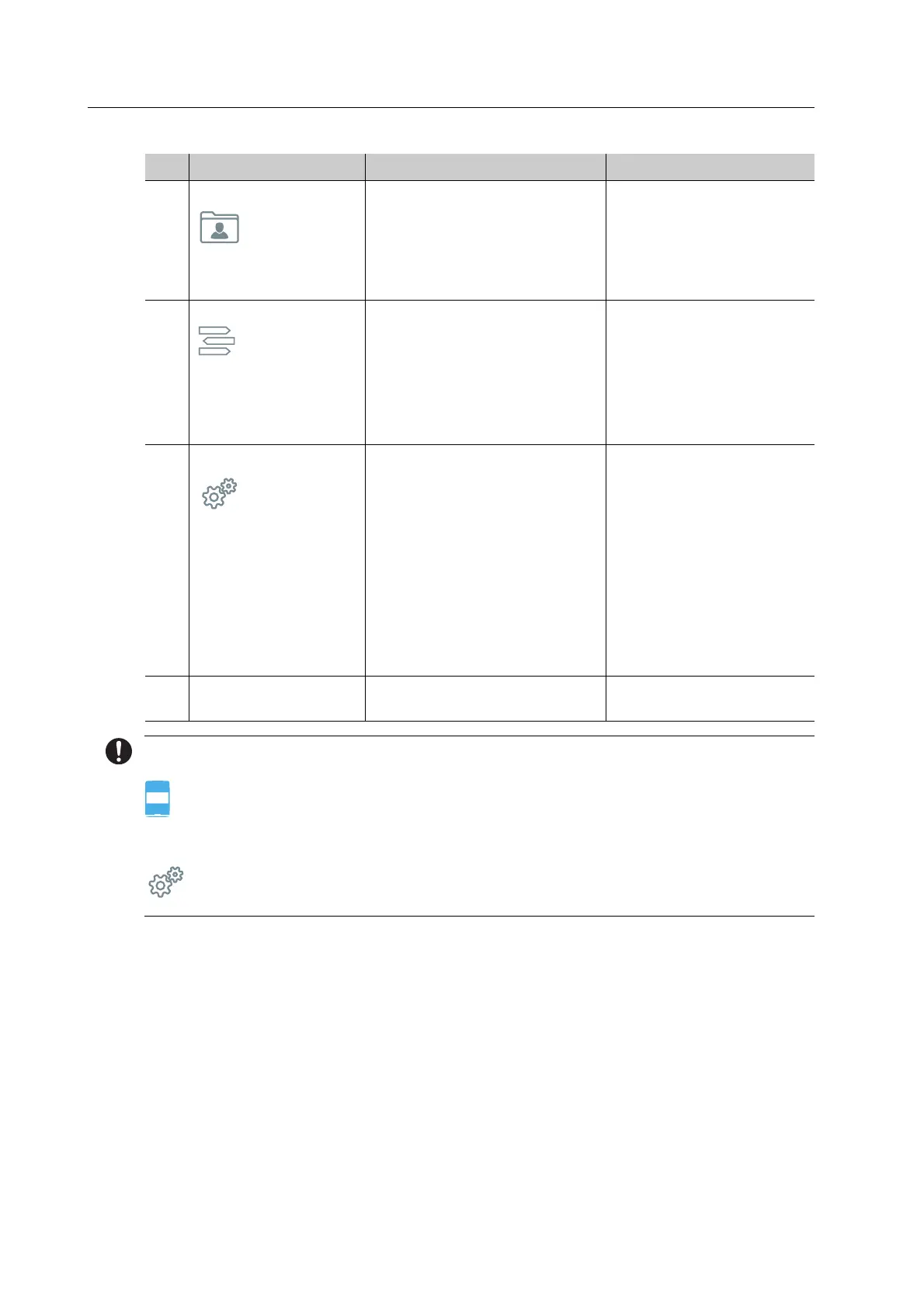
4 Main menu [Cases] Status overview of milling jobs
in 3 tabs:
• New / pending milling jobs
• Running milling jobs
• Completed milling jobs
“Main menu [Cases]”,
page 56
5 Main menu [ToDo] Tasks to be performed by the
user (job-dependent), e.g.:
• Insert tool
• Insert blocks
• Fill water tank
• Change the filter
“Main menu [ToDo]”,
page 66
6Main menu [Service]• Display of the block
positions in the material and
tool changer
• Display of the tool positions
in the material and tool
changer
• Start the manual cleaning
function and set the
maintenance mode
• Additional settings of the
device
“Main menu [Service]”,
page 71
7 Menu bar Menu selection with the
4 main menus
-
No. Element Description Reference



 To Next Page