Operating the Operating Panel
72
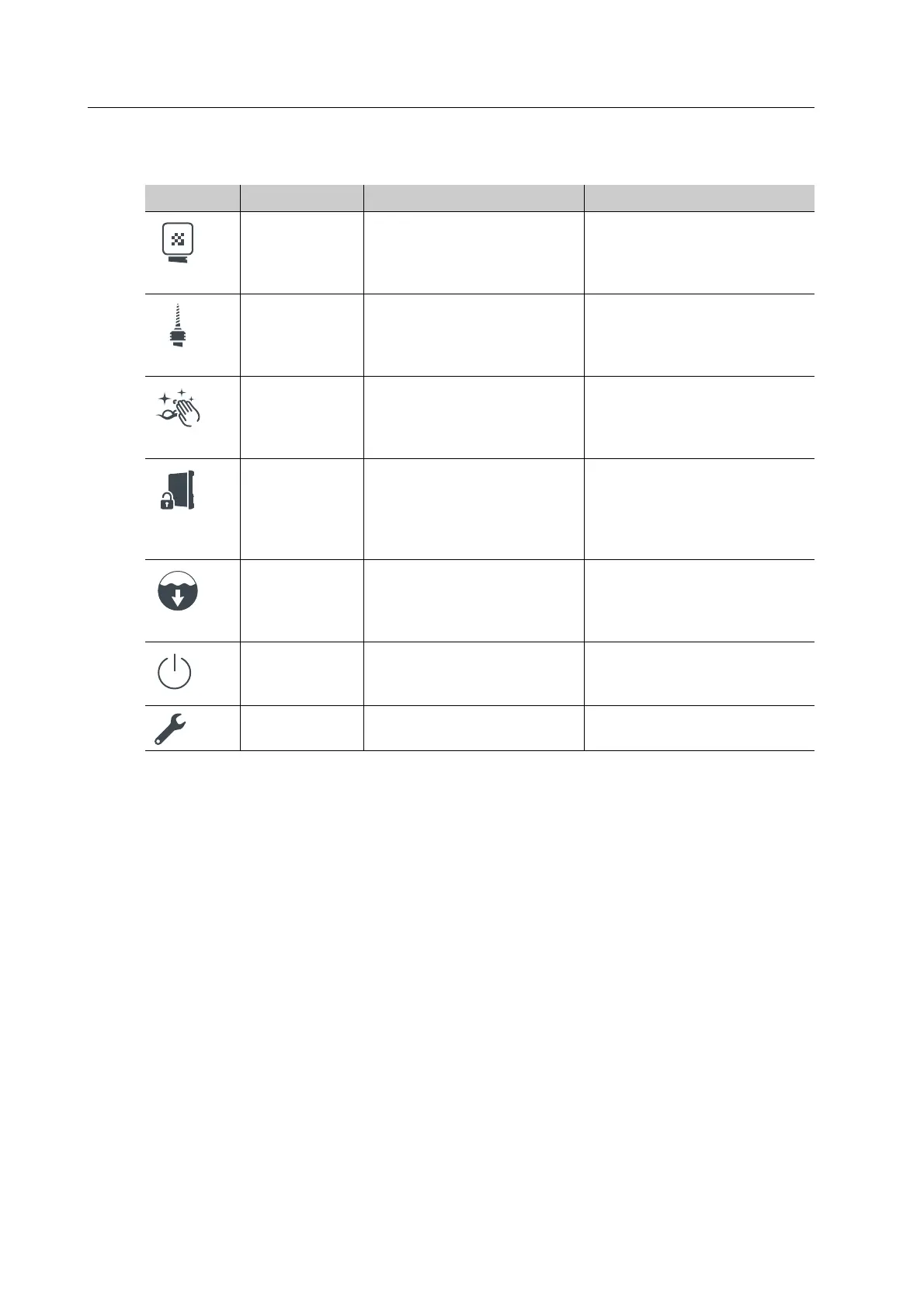
In the main menu [Service] the following information is shown:
Element Menu Description Reference
Blocks Display and edit the
individual block positions in
the material and tool
changer
• “Section [Blocks]”, page 73
• “Inserting blocks”, page 99
Tools Display and edit the
individual tool positions in
the material and tool
changer
• “Section [Tools]”, page 76
• “Inserting tools”, page 89
Start cleaning Perform manual cleaning at
the device
“Carrying out manual
cleaning work on the
housing and in the milling
chamber”, page 128
Maintenance
mode
Place the machine in
maintenance mode to
unlock the loading aid and
perform work in the milling
chamber
-
Activate
pump
Start pump for a few
seconds in order to drain
liquid from the milling
chamber
-
Shut down Shut down PrograMill One “Shutting the device down
and switching it off”,
page 115
Settings Perform app settings / app
configuration
“Section [Settings]”, page 79



 To Next Page