Operating the Operating Panel
76
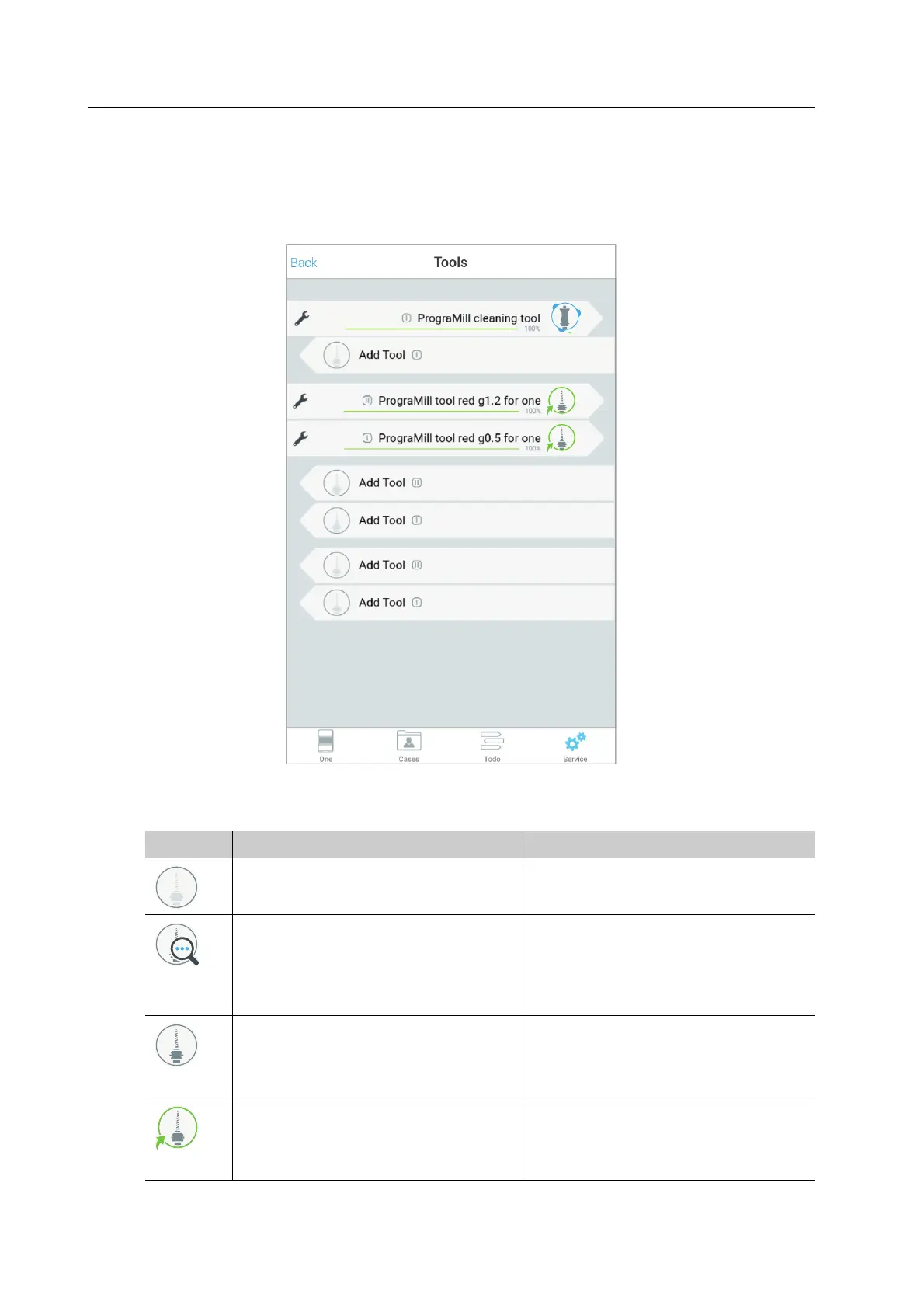
6.6.2 Section [Tools]
In the [Tools] section, you can see and change the status of the tools inserted in the material
and tool changer.
The following list of features corresponds to the state of knowledge at the time of going to
print. With the introduction of new features, this list will be continuously updated.
Element Description Reference
No tool inserted “Inserting tools”, page 89
Tool is inserted and marked for
identification: The Data Matrix Code
on the shaft will be read by the
camera integrated into PrograMill
One.
-
Tool is inserted and correctly
identified. It is not required for any of
the upcoming milling jobs and is
therefore not assigned to a job.
“Removing unnecessary, worn or
defective tools”, page 95
Tool is inserted and correctly
identified. It is required for one of the
upcoming milling jobs and is assigned
to this job.
“Preparing milling jobs”, page 89



 To Next Page