Operating the Operating Panel
75
In order to register those blocks manually that could not be identified by the device, tap this
symbol:
For more information, please refer to the following sections:
• “Troubleshooting / error table”, page 117
• “Manually registering a non-identified block”, page 121
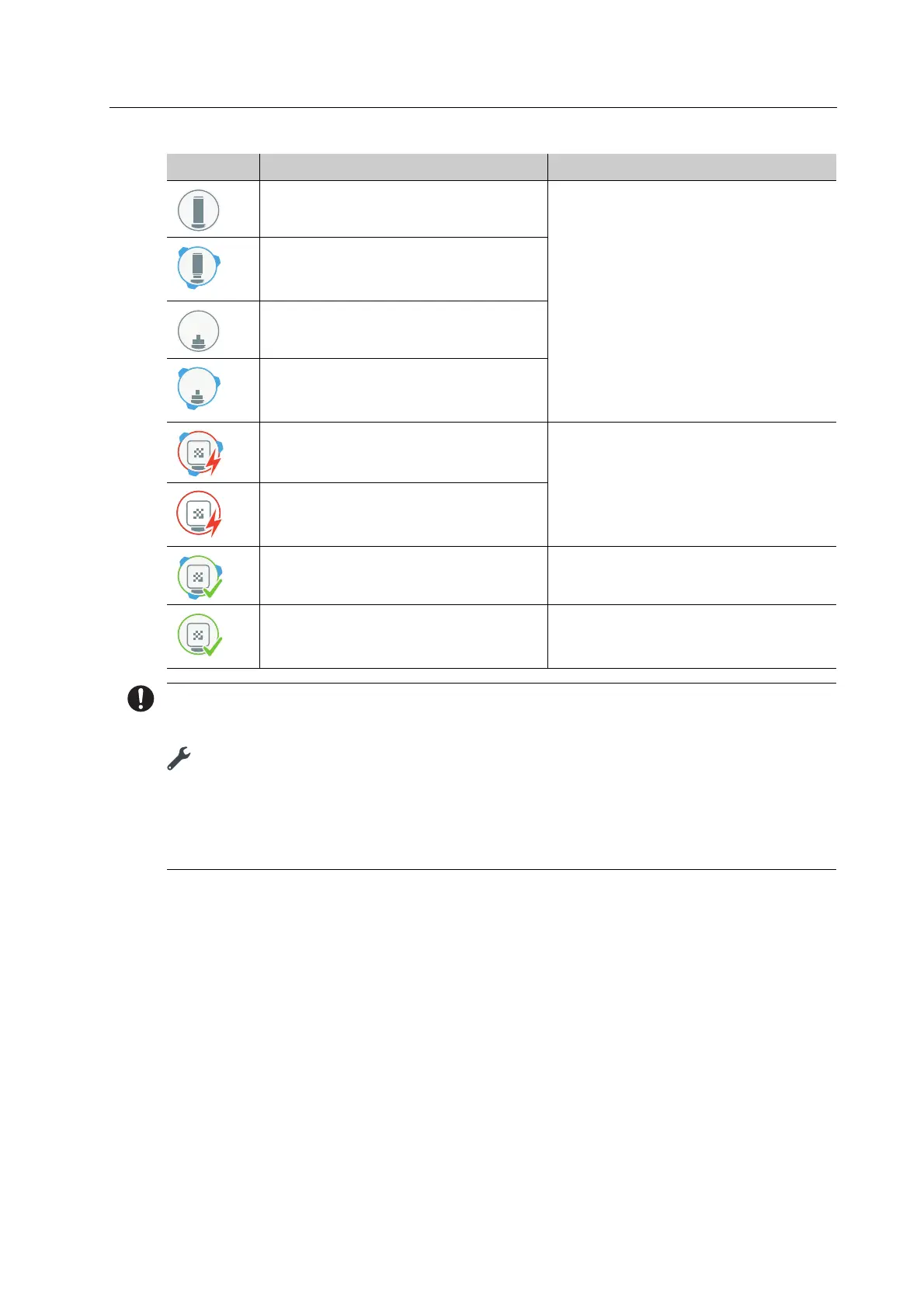
ESD pin B axis for One is in the
material and tool changer.
“Inserting tools for calibration”,
page 45
ESD pin B axis for One is in the
material and tool changer.
Calibration is being conducted.
ESD pin tool holder for One is in the
material and tool changer.
ESD pin tool holder for One is in the
material and tool changer.
Calibration is being conducted.
Job failed.
Block is in the milling chamber.
“Troubleshooting / error table”,
page 117
Job failed.
Block is again in the material and
tool changer.
Job successful.
Block is in the milling chamber.
-
Job successful.
Block is again in the material and
tool changer.
-
Element Description Reference



 To Next Page