Cleaning and Maintenance Work for the User
129
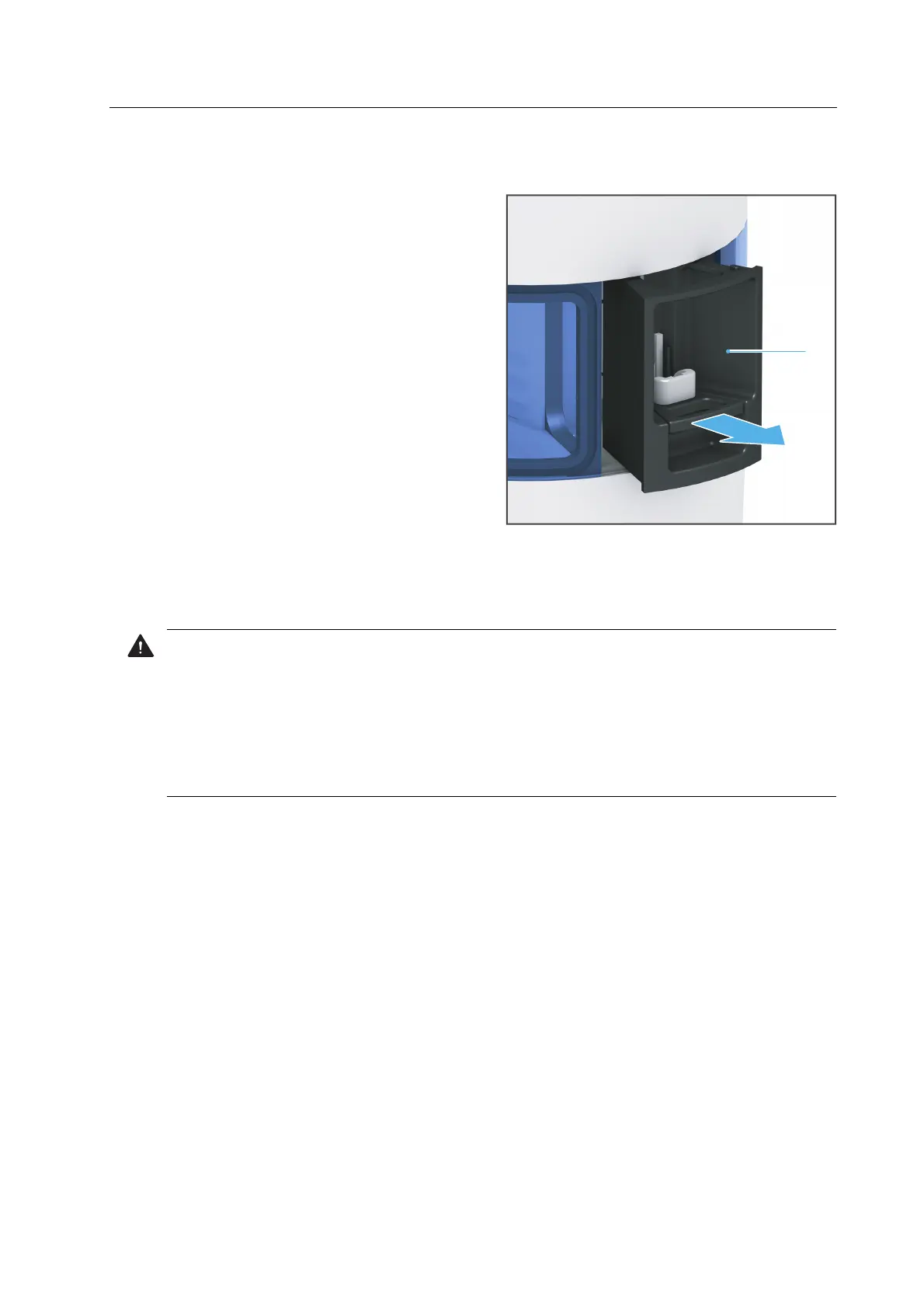
9.3.2 Uninstalling and cleaning the loading aid
1. Remove the loading aid (1) in the
direction of the arrow.
2. Wipe with a soft cloth dampened with water.
9.3.3 Cleaning the housing
WARNING! Improper cleaning of the device. Voltage-carrying components come into
contact with moisture. Voltage-carrying components are exposed.
Danger of electric shock.
Damage to the device.
Never remove the housing cover.
Ensure that no liquids or items enter into the inside of the device.
Clean the housing with a soft cloth, dampened with tap water and a mild, pH neutral
detergent.
1



 To Next Page