Initial Operation
47
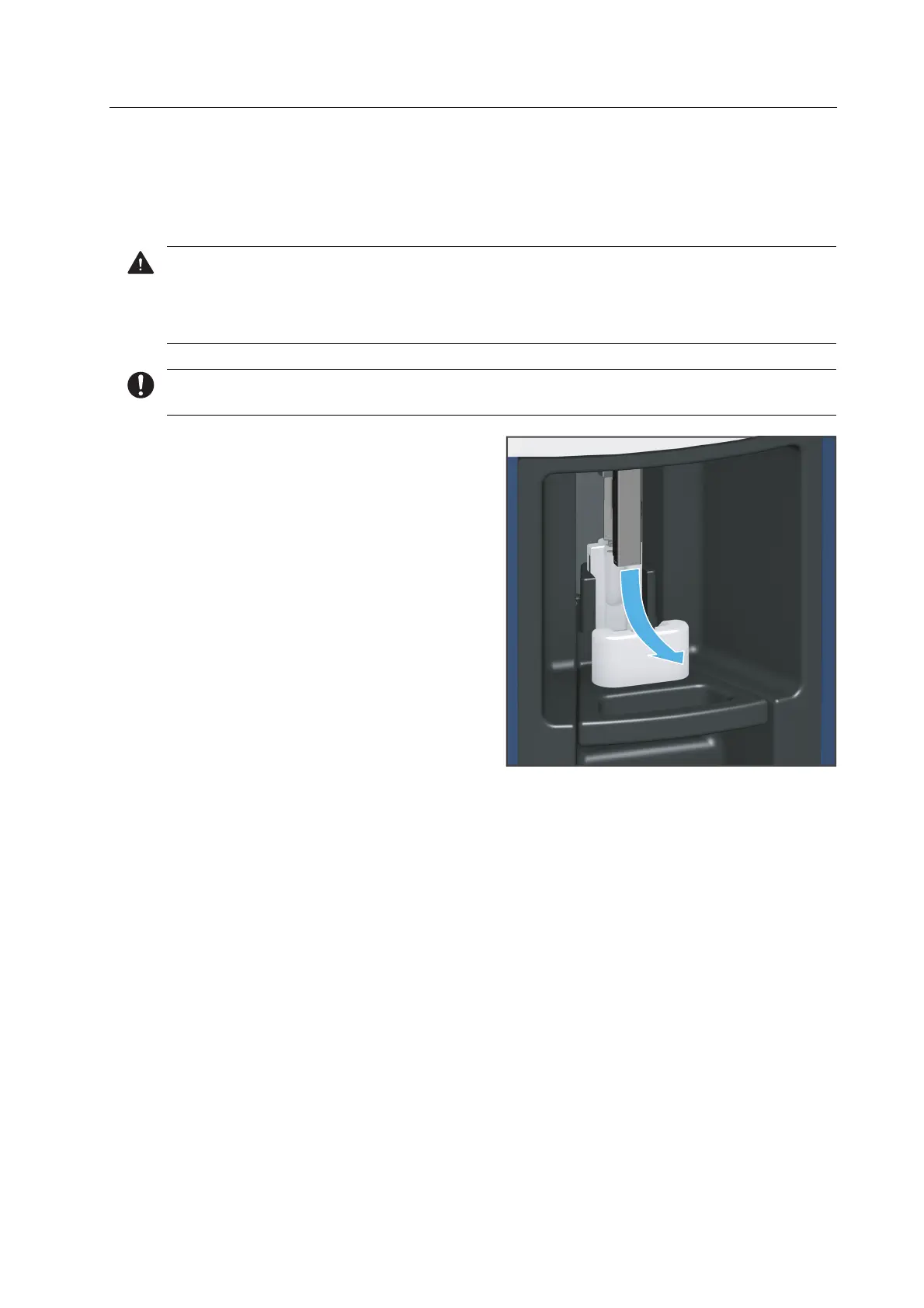
5.7.3 Inserting the cleaning tool into the material and tool changer
After calibration, you will be prompted to insert the cleaning tool into the device (“Performing
the automatic cleaning procedure”, page 127).
CAUTION! Sharp edges on the tool holder.
Cutting injuries.
Only grasp the tool holder on the closed sides (front and back side).
For safety reasons, the Wizard asks you to additionally confirm the following steps in the app.
1. Remove the tool holder from the
loading aid in the direction of the arrow.



 To Next Page