Transportation and Assembly
35
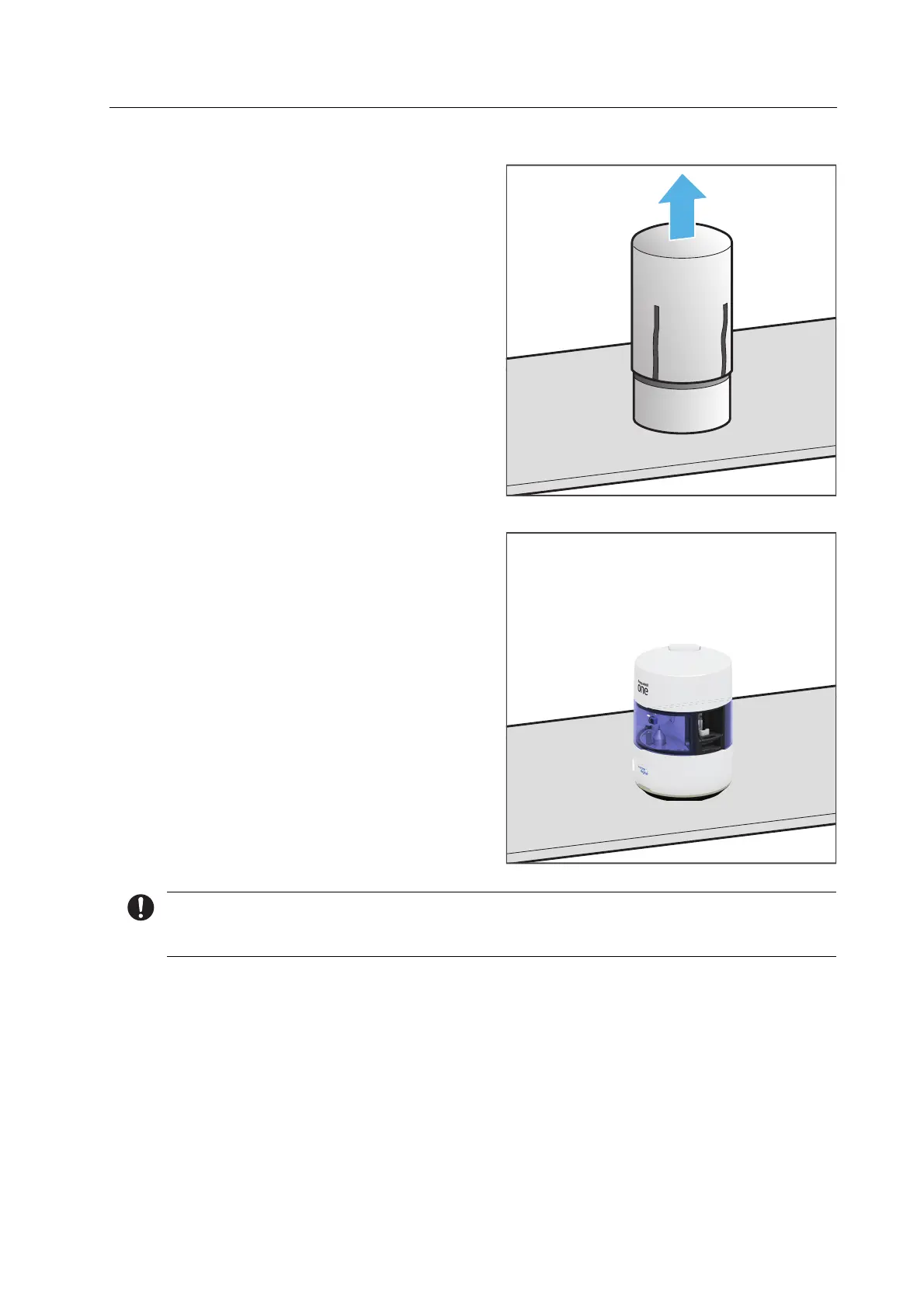
3. Remove the fabric cover (3).
4. Position the device on the workplace
surface so that the operator is able to
see all optical signals of the OSD ring at
any time and control all operating
elements, components and connections.
5. Position the device so that there is no
interference from other devices and so
that it doesn’t interfere with other
devices (“Choosing the location site”,
page 29).
We recommend that you keep the packaging for possible maintenance and correct
transportation.



 To Next Page