© 2019 Jackson Labs Technologies, Inc. 65
Micro-JLT GNSS™ User Manual
position 6. This command is not supported on the Micro-JLT GNSS™ and it is recommended to
change this default setting to some other available parameter to be tracked.
5.3.1.3 Traces Parameters
After pressing the wrench icon, you can select the “Traces” tab and configure the trace labels
and vertical plot ranges. See Figure 5.4 for an example of an auxiliary measurement. The labels and
parameters are completed by default for traces 1 through 5. Any of the eight traces can be replaced by
auxiliary traces as described in Section 5.3.1.2 . Press the “Help” button for a full description of each
option in the Traces tab.
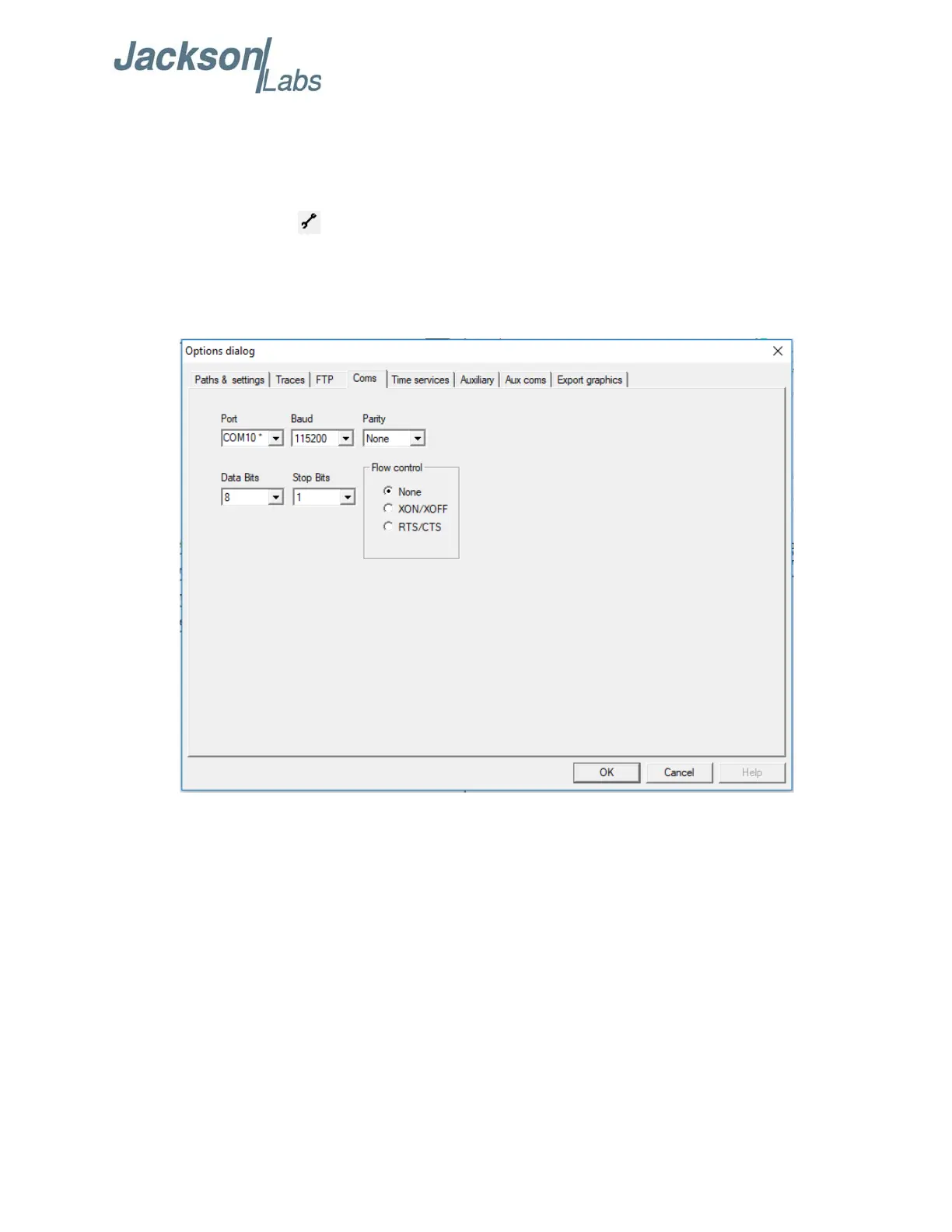
Figure 5.2 Setting the communications parameters


 To Next Page