Micro-JLT GNSS™ User Manual
68 © 2019 Jackson Labs Technologies, Inc.
"To zoom in: The mouse is used to set the left extent and the right extent of the portion of the curve
that the user wants to fill the screen. Click once with the left mouse button on the point that marks the
left side of what you want to be the magnified curve. Immediately that point becomes the left end of
the curve. Then similarly click the right mouse button on the curve at the time you wish to be the
right most portion of the magnified curve and it immediately becomes the end point on the right side.
And, finally to return to the zoomed out ("fit to window") view, left double-click on the curve."
When you have locked the start and stop time using the mouse, you can scroll left or right through the
data. To scroll to a later time, use Shift + Left click. To scroll to an earlier time, use Shift + Right
click.
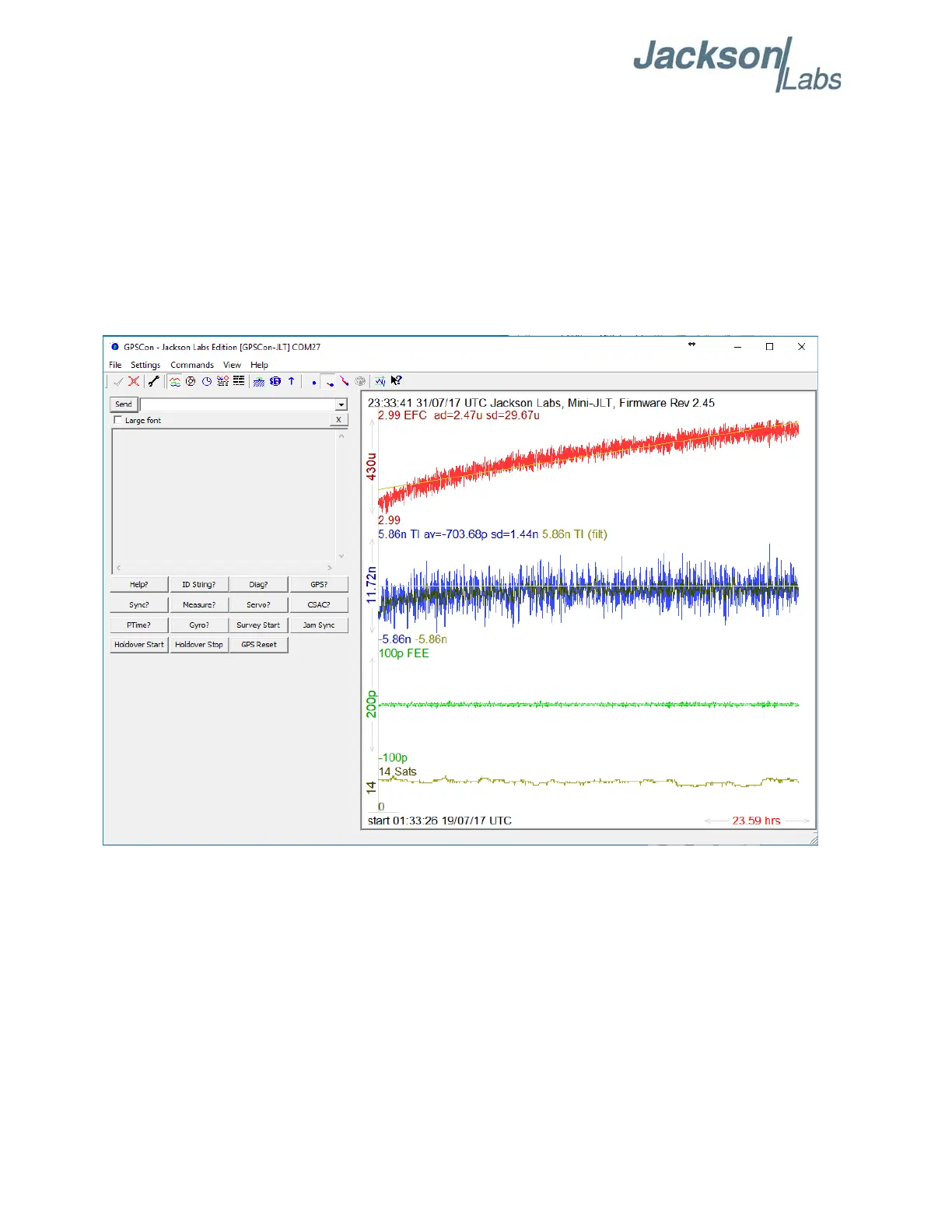
Figure 5.6 Graph display



 To Next Page