"7*/- Touch the AVIN1 icon to enter the setting of the connected device then
use the S or T icons to increase or decrease the relative volume level
between -6 to +6.
"7*/- Touch the AVIN2 icon to enter the setting of the connected device then
use the S or T icons to increase or decrease the relative volume level
between -6 to +6.
/BWJHBUJPO- Touch the Navigation icon to enter the setting of the connected
device then use the S or T icons to increase or decrease the relative volume level
between -6 to +6.
J1PE- Touch the iPod icon to enter the setting then use the S or T icons to increase
or decrease the relative volume level between -6 to +6.
49.- Touch the SXM icon to enter the setting then use the S or T icons to increase
or decrease the relative volume level between -6 to +6.
The default relative volume level setting for all available sources is “0”.
7FSTJPO4VC.FOV'FBUVSFT
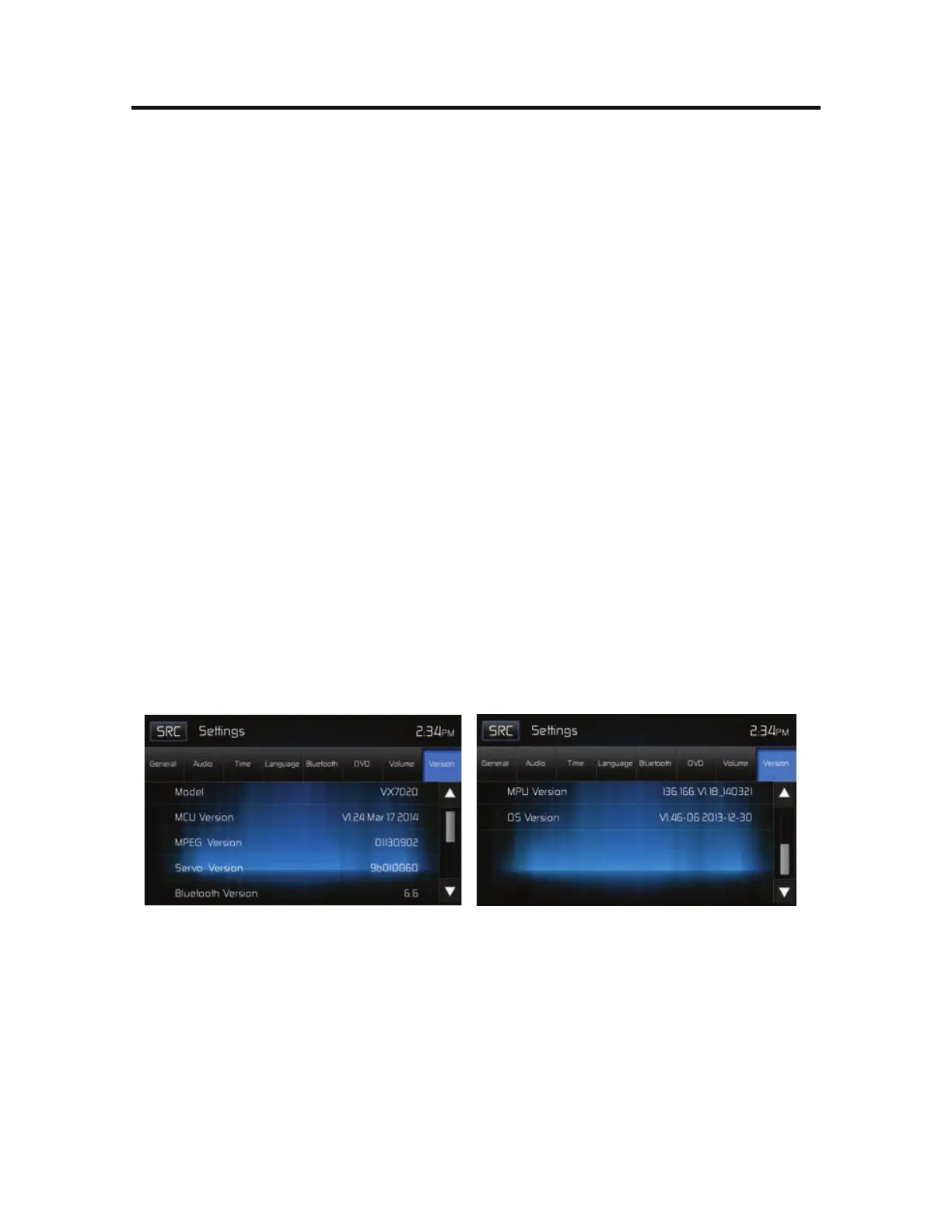
The Version 4VC.FOV is used to identify the model and resident operating
system as well as the hardware and software versions.
7FSTJPO4VC.FOV4DSFFO 7FSTJPO4VC.FOV4DSFFO
&YJUJOHUIF4ZTUFN4FUVQ.FOV
To exit setup mode and resume normal playback, touch the SRC icon on the
screen.



 To Next Page