·10·
waterproof connector to the corresponding terminal (U, V, W).
JNP2K2H-V5、JNP3KH-V5、JNP3K7H-V5、JNP4KH-V5、JNP5K5H-V5、JNP7K5H-V5:
Fix the AC input cable through the AC IN waterproof connector to the corresponding
terminal (R, S, T, PE), and fix the water pump power supply cable through the Motor
waterproof connector to the corresponding terminal (U, V, W).
3.4 DC Side Connection
Danger!
DC side electric connection must be off, otherwise,
it may cause casualty!
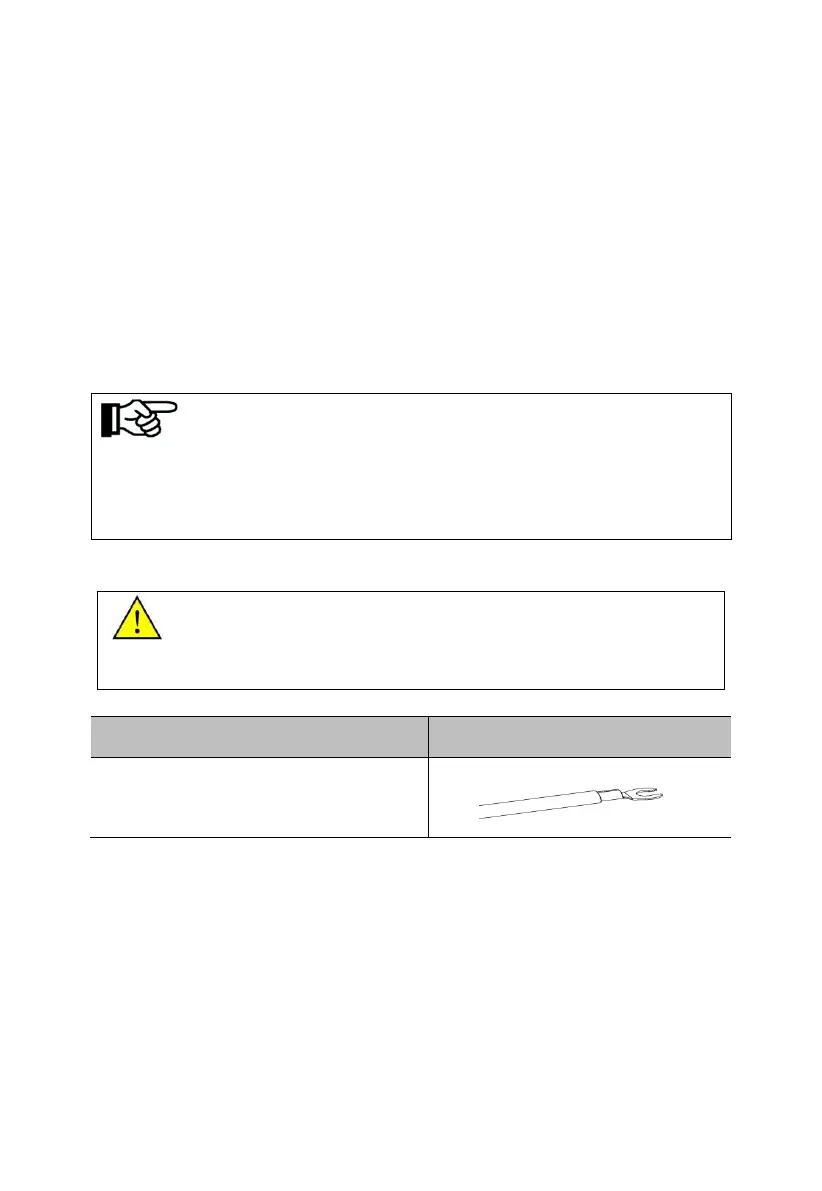
Step1: Please connect the DC wire according to the following steps:
1. Step Using wire crimpers, connecting PV
cable and Cold-pressed Terminal(UT10-5).
Step2: Fixed the positive and negative cable Secure to the terminal through the
terminal cover.
Notice!
The phase sequence of AC pump motor and inverter should be corresponding, and if
connection error occurs, there will be no water output or only with small water flow.
Phase sequence’s connection is right or not shall be inspected when it’s trial running for
the first time.



 To Next Page