·43·
10.3 Commissioning for JNP1K1L-V5~JNP18K5H-V4
10.3.1 Only DC Input, Disconnect grid input
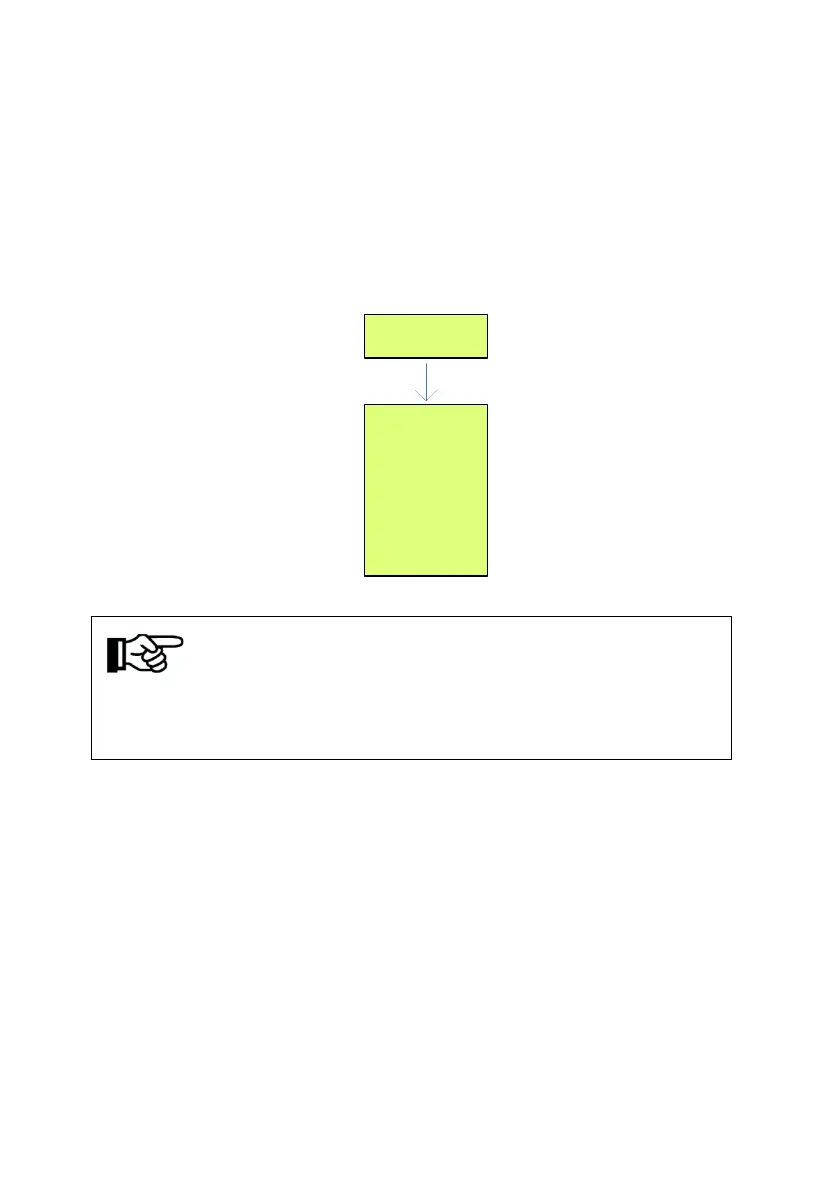
Switch on inverter’s DC switch or DC side electric connection, inverter start
initialization.
Initialize
Waiting...
Ppv 0W
R-Mode MPPT
Ipv 0A
Vdc 0V
Pgrid 0W
State_AC Off
Iaout 0A
Fout 0.00Hz
Run/Stop Stop
D-Mode Auto
OF-F Off
Notice!
At the first running, ender user need to long-press "ON / OFF" key for 4
seconds around, then inverter start to run.
Stop inverter, press "ON / OFF" key (1 second around), inverter shut down.
If the water output is very small or even no water output, please check the
following two points:
1) Sun radiation is not strong enough;
2) Pump reverse, modify the inverter parameters, change the LCD menu
"M-Mode", the factory default is "FWD" can be changed to "REV", thus
adjustable steering pump, increase the water, solar pumping system running
at peak performance, set as follows:



 To Next Page