·20·
6.4 DC Side Connection
Danger!
DC switch must be off, otherwise, it may cause casualty!
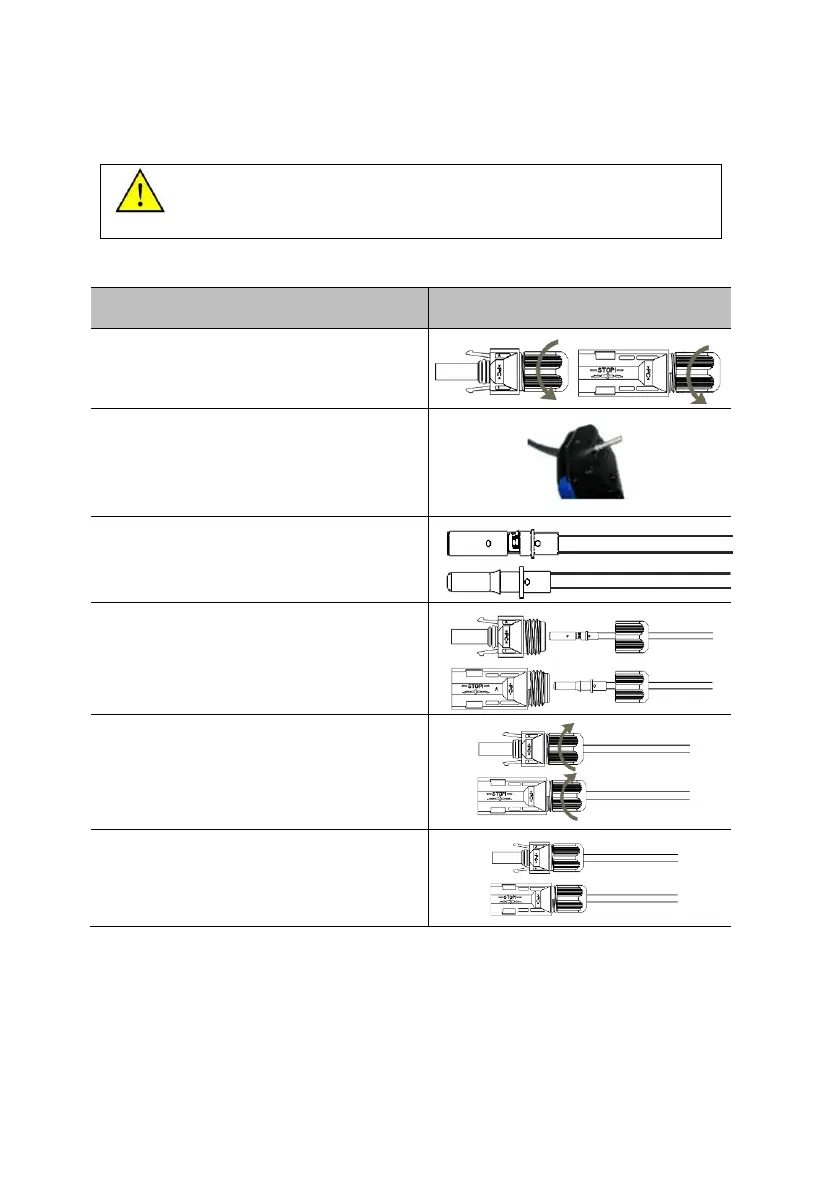
Step1: Please connect the DC wire according to the following steps:
1.Unscrew the fastening nuts of MC4
connector.
2. Strip off the DC cable insulation layer to a
length of approx. 7mm.Insert the exposed
end of PV Cable into the connector tube,
and press tightly with wire crimpers.
3. Effect figure. Remember! ! ! Terminals
and connectors match the core, is not
reversed.
4. Pull the above finished cable with tube
through the fastening nut.
5. Plug it into the wiring slot until a sound
being heard, which indicating plug into the
right place. Then tighten the nut.
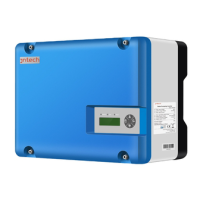
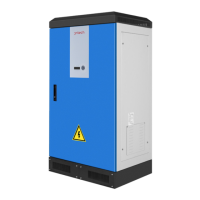
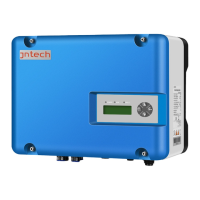
Step2: Plug the positive and negative connector into the corresponding
terminals at the bottom of the inverter respectively.



 To Next Page