·36·
Dry protection and Overflow protection common
pin,
17.6.2 Water level sensor connection
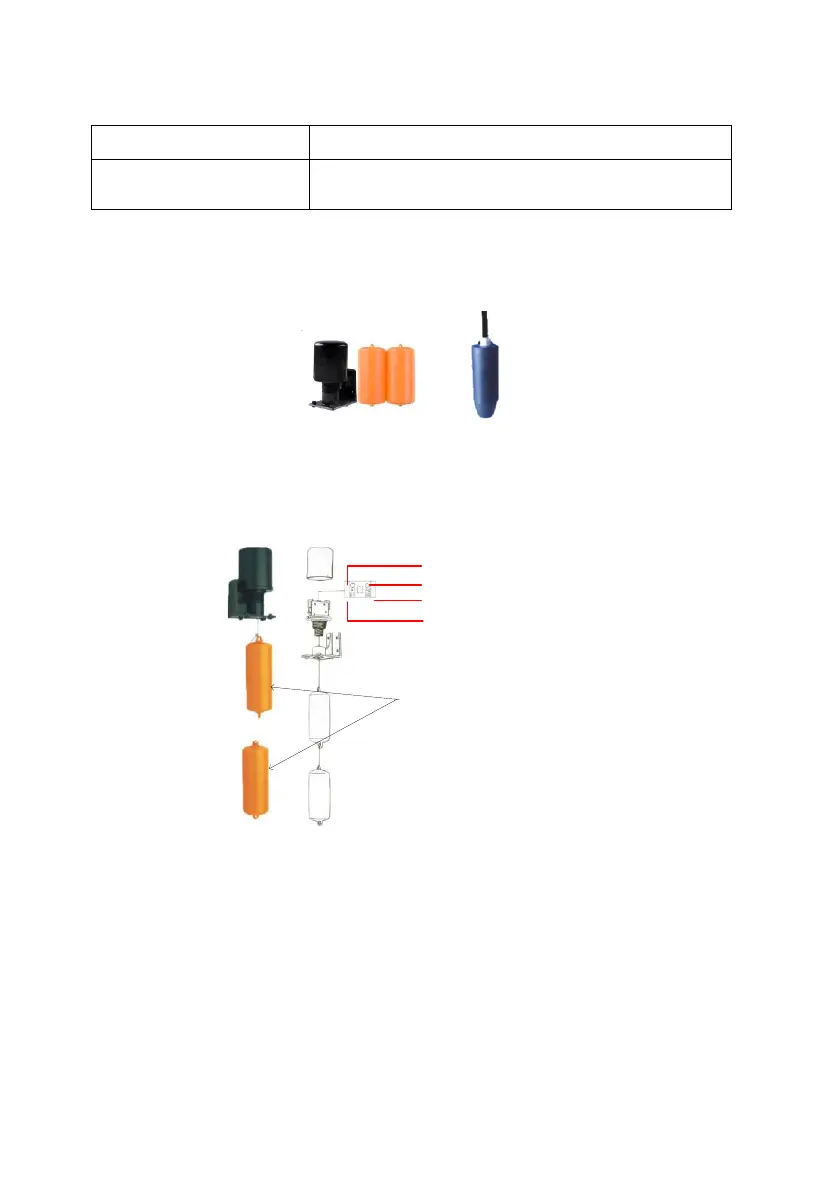
Two kinds of water level sensor you can select as shown below:
Sensor A Sensor B
Figure6-6 Water level sensor
If you selected water level sensor A, then water sensor installation method is
shown below:
B1 connect to SY
B2 connect to COM
A2 connect to COM
A1 connect to DG
Note: Both yellow shrub-
like hammer, you need
filled water, when you
install sensor A
Figure6-7 The detail figure of Sensor A



 To Next Page