60
Layout
Operator’s Manual QUADRIGA 1000/BB
4.1-3
3
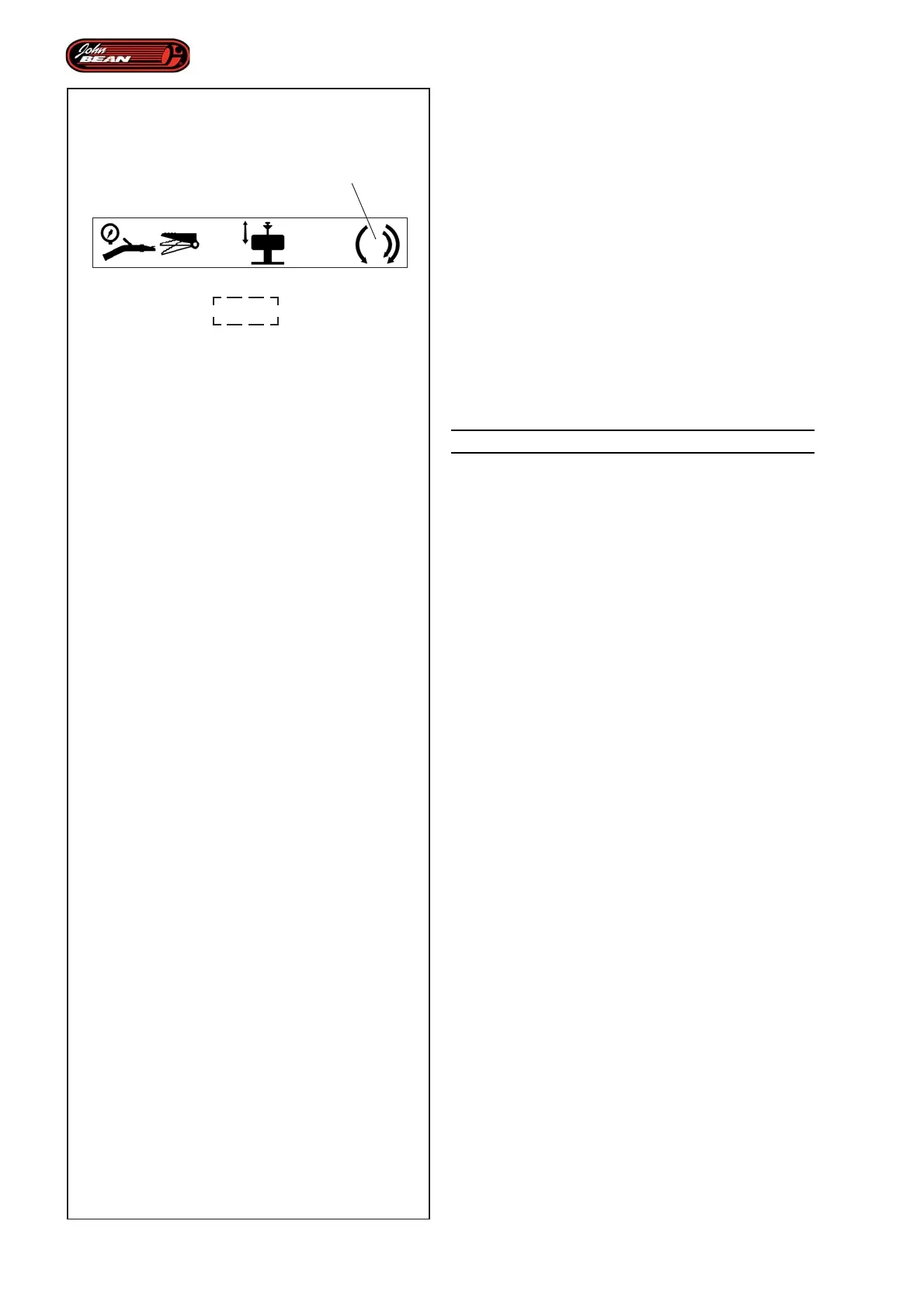
Rotation:
- Press the pedal (4 Fig.4.1-3) with your foot;
the wheel-holder flange rotates clockwise
as follows.
1
st
speed:
- Press the pedal about 3/4 of the way down, the
turntable rotates at the minimum speed (about 7 rpm).
This is the maximum torque.
2
nd
speed:
- Press the pedal all the way down, the turntable rotates
at maximum speed (about 14 rpm). This is the reduced
torque.
- From the idle position, raise the pedal, the turntable
rotates anticlockwise.
WARNING: DANGER OF HANDS BEING CRUSHED.
Note: When the machine is in Manual Mode, rotation
is always possible. Whereas in Automatic
Mode rotation is activated by the pedal
and only when the operation in progress
requires it.
During clockwise or anticlockwise rotation operations
in either Manual or Automatic Mode, a safety circuit
may be activated and rotation may be blocked for a few
seconds. This happens if the stress on the product
created by the machine exceed a certain threshold.
If this happens, do not use any controls for the time
the machine software needs to perform an automatic
reset.


 To Next Page