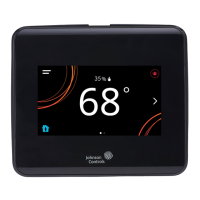
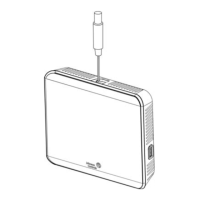
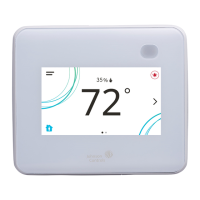
Touchscreen icons
Table 6 describes the touchscreen icons on the home screen. Press and release a touchscreen icon to activate the TEC.
Additional touchscreen icons appear based on the menu, and those icons are also described in Table 6.
Table 6: Touchscreen icons
Icon Icon name Description
Menu Displays the configuration screens where various settings may be
adjusted.
Alarm Indicates that the thermostat controller has triggered an alarm.
On
Standby
Unit Power Powers the thermostat controller on or off.
• This icon disables all equipment control but does not physically
power down the unit.
• On the modern home screen, if the Unit Power icon is in standby
mode, the temperature and humidity also display in standby mode
to indicate that control off or standby mode is active.
On
Standby
Humidity Indicates the humidity reading.
On
Standby
Degree Indicates that the unit is set to degrees.
Network Communication
(for Networked Models)
No Signal
Indicates that the thermostat controller detected a supervisory
controller and both are online.
Indicates that the thermostat controller did not detect a supervisory
controller.
No Signal
Low Signal
Medium
Signal
High Signal
Radio Signal (for Wireless
Models)
Indicates the strength of the radio signal.
Arrow Up
Arrow Down
Increases or decreases the cooling value on the home screen.
Arrow Up
Arrow Down
Increases or decreases the heating value on the home screen.
Cooling Hold Indicates that cooling hold mode is enabled. To disable Hold mode,
press the button.
TEC3000 Series Networked and Wireless Single- or Two-Stage Economizer Thermostat Controllers Installation Guide 13


 To Next Page
 Loading...